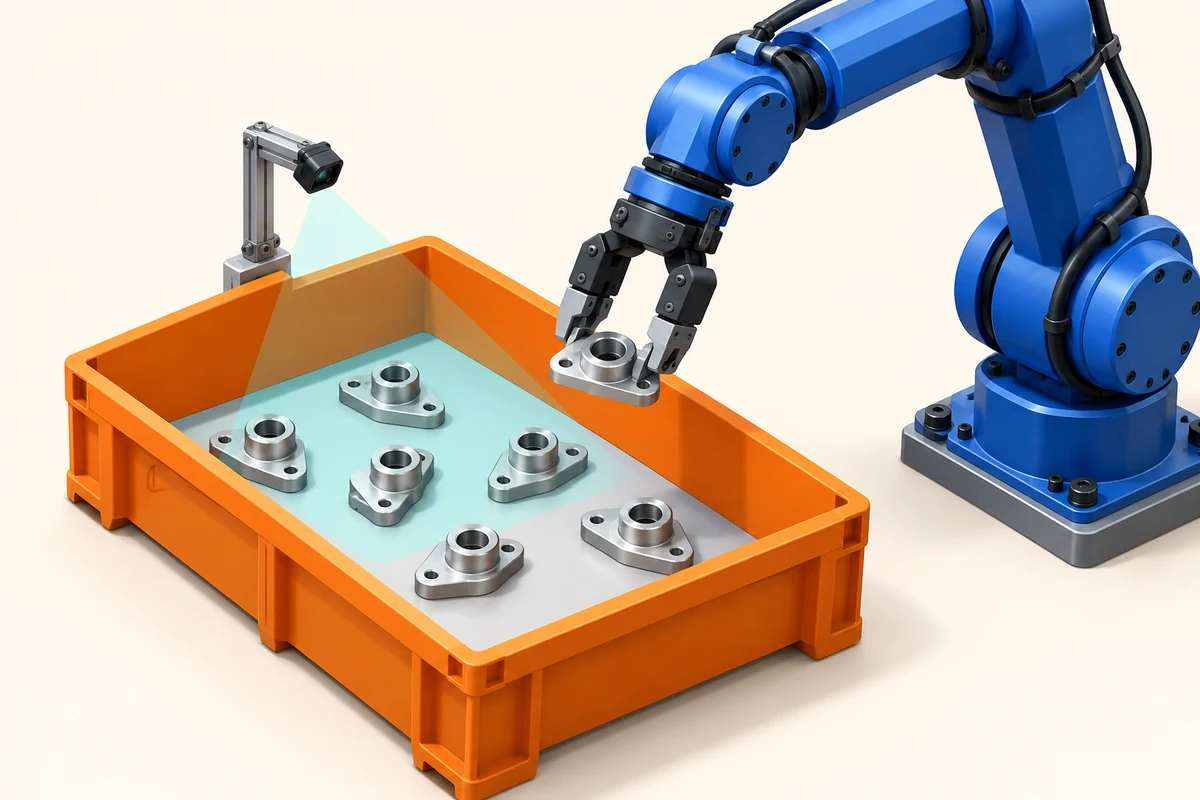
A 3D camera gives a robot cell the geometry needed to locate visible parts and propose pick poses. ToF depth can support that pipeline through surface measurements, while RGB-D adds color information for tasks that need it. Camera selection starts with the bin, part set and required robot action.
Define parts, bins and pick poses
Describe the smallest feature that affects grasp selection, the bin depth, part overlap and the surfaces presented to the camera. Separate locating a carton, estimating a rigid part pose and identifying a SKU: these tasks need different image features and software.
Choose a pick-pose representation and a success rule. A cell might require a gripper approach direction, contact region, clearance envelope and placement orientation. Record how the software handles unknown objects, empty bins and objects with insufficient visible surface.
Choose stationary or wrist mounting
A stationary camera can observe the bin while the robot is elsewhere, with a fixed camera-to-cell transform. A wrist camera can change its view to inspect a region, but its pose depends on robot motion and hand-eye calibration. Check collisions, cable routing, motion blur and whether the robot blocks the receiving view.
Size the field of view at both the top of the full bin and its empty bottom. A wide view that covers the rim may provide too few samples on the smallest part. Additional viewpoints can expose hidden regions, with capture and robot motion added to the cycle budget.
Capture depth and RGB for part separation
Depth processing can remove the bin walls, segment visible surfaces and estimate candidate object geometry. RGB can help distinguish colors, labels or similar shapes when that information matters to the task. Use calibration to associate color with depth, and account for time differences when objects or the camera move.
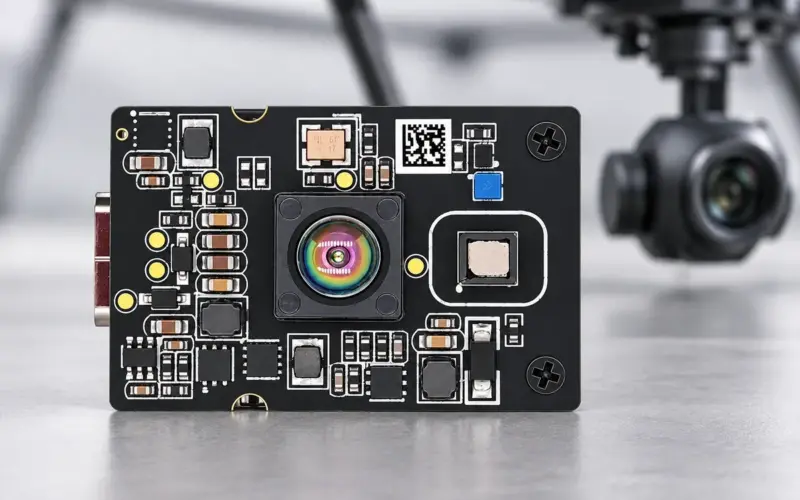
DM-RGBD5003A supplies 640 × 480 depth up to 25 fps and RGB through USB 2.0, with RGB-depth registration support. Its 0.2–5 m range is specified for indoor/semi-outdoor use. DM5005A provides a 320 × 240 USB depth route, while DMOM2808D is a two-lane MIPI depth module for a host-based design. Select the route according to required data and processing architecture.
Register camera and robot coordinates
Calibrate camera intrinsics first, then determine the transform from camera coordinates to the robot base or tool frame. Use observations spanning the working volume and independent poses to check the calibration. A small fit residual at the calibration target is only one part of the final pick error budget.
The host pipeline converts valid depth into points, transforms them to robot coordinates, estimates an object pose, selects a grasp and sends the result to the robot controller. For a wrist installation, combine the hand-eye transform with the robot pose at capture time. Revalidate after remounting or a mechanical change.
Budget capture, transfer and robot cycle
Measure exposure, data transfer, segmentation, pose calculation, controller communication and motion separately. Use timestamps to detect a pose calculated from stale data. The required camera update rate follows from part motion and the allowed decision age, rather than the robot's advertised maximum speed.
Check robot travel, gripper operation, pick verification and recovery as part of cell throughput. A faster depth stream helps only when the rest of the pipeline can use it.
Validate occlusion, materials and grasp outcomes
Test dark parts, shiny surfaces, clear packaging, bin corners and partly hidden objects. Report usable-pose rate, pose error against a reference, successful picks per attempt, false empty-bin decisions and cycle-time distribution. Distinguish failed perception from gripper or motion failures.
For mixed cartons or pallet workflows, test the actual stack patterns, wrapping and placement-clearance rules. See parcel dimensioning for bounding-box measurements and bulk volume estimation for surface integration. Share part samples, bin dimensions and the robot interface with us to plan camera evaluation.
Discuss your evaluation with DOMI.
FAQs
Does RGB-D calibration also calibrate the robot?
RGB-depth registration aligns camera data streams. Camera-to-robot or hand-eye calibration establishes a separate spatial relationship needed to express a pick pose in robot coordinates.
When is color useful for sorting?
Color can add features for labels, appearance or similar geometries. Test the intended classification software with aligned RGB and depth rather than assuming color is required for every pick.
How should bin-picking performance be measured?
Measure valid pose output, reference pose error, grasp success, recovery and complete cycle time on the intended part mix. Report perception and mechanical failures separately.
Can one view measure hidden part surfaces?
A depth image measures visible surfaces. Additional views or a known part model can support an estimate of hidden geometry, with the resulting uncertainty included in validation.