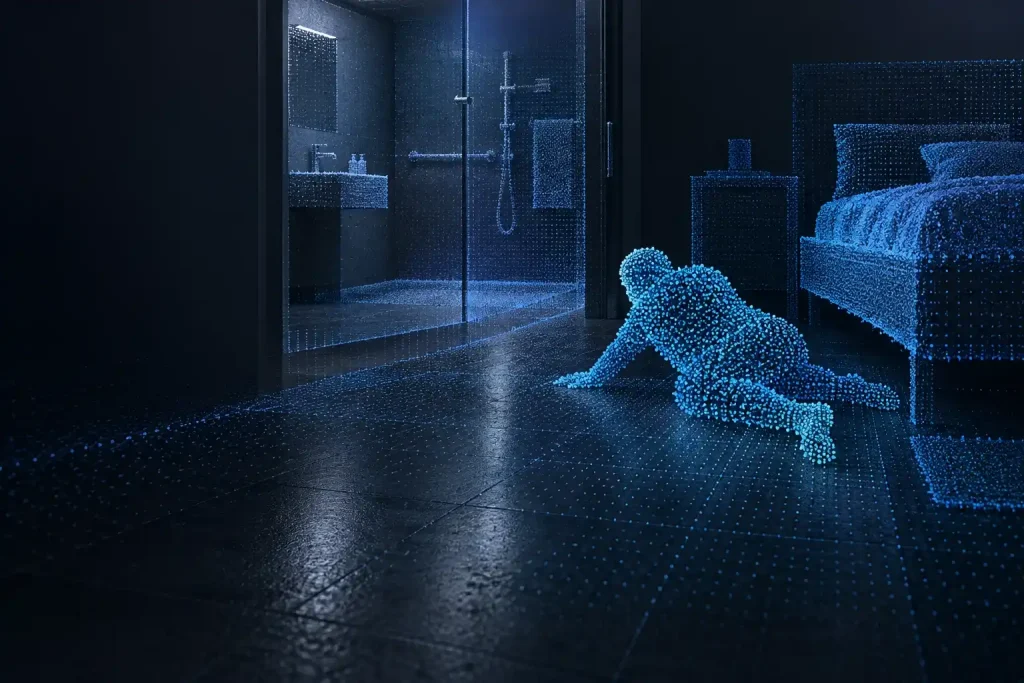
DOMI depth modules provide spatial information for care-room sensing and host-side posture or fall-event analysis. A depth-only capture configuration supports geometric observation without RGB video capture, with data handling defined around the project's care and privacy requirements.
Use depth-only 3D ToF sensing to support fall-detection applications in bathrooms, bedrooms and care rooms. Explore module selection, edge processing and room-specific validation for host-side posture and fall-event analysis without RGB video capture.
Depth sensing gives the application distance information about people and their surroundings. Define the relationship it needs to observe, such as a person beside a bed or within a floor activity area, before selecting the installation and module.
Care-space task
Observation area
Installation considerations
Bedside activity
The bed edge, adjacent floor and expected movement path
Bed height, bedding, furniture and a clear view of the required floor area
Room activity and posture
A defined activity zone and relevant floor or support surfaces
Room dimensions, camera angle, doors, furniture and movement near field-of-view boundaries
Assisted care or shared spaces
The required zone with residents and carers present
More than one person, temporary occlusion, mobility aids and the application's person-association rules
For bathrooms, include mirrors, wet surfaces, steam and cover-window condensation in the installation assessment. The privacy-conscious fall-detection solution develops the room geometry, event-processing path and scene evaluation in more detail.
Define the depth-data and event-processing path
The module and its processing pipeline supply the selected sensing data to the host. Available depth, IR, quality information or processed results depend on the model and firmware configuration.
The host application or algorithm partner uses the required inputs to model the scene, analyze posture over time and determine an event. Define daily activities, event timing and alert handling as part of that application scope.
A project can process raw depth locally and send selected event information to the care system. Specify which depth frames, IR data, derived features and event records are enabled, retained or transmitted, together with who can access them. For a camera with RGB capability, define its RGB capture setting explicitly.
100 × 100 maximum; 0.2-2.5 m; 60° × 60°; onboard DM3602 processing; UART or SPI
Defined-region and posture-sensing tasks matched to the selected firmware and processed output
Choose a candidate using the distances to both people and the required reference surfaces. Mounting height, angle, field of view and furniture determine which areas are visible. A room-level event application also needs adequate spatial detail and a usable observation sequence through everyday movement and occlusion.
FAQs
What room information is useful for a depth-sensing evaluation?
Room dimensions, mounting height and angle, bed and furniture positions, and the areas that need observation are useful starting points. Include likely occupancy, lighting, reflective surfaces and any bathroom or cleaning conditions.
How should a project define its depth-data and event-processing path?
Start with the event the care system needs. Then select the sensing inputs, processing location, retained data and outgoing event fields. Match the module's actual output and interface to the host algorithm and the project's data-access requirements.
Discuss your care-space sensing project
Share the room layout, proposed mounting position, observation task and host platform. Include your expected data and event outputs so we can help compare candidate modules and plan the next engineering evaluation.