Start with ToF when
Your interaction needs dense XYZ geometry, a defined gesture zone, hand shape or a trackable path.
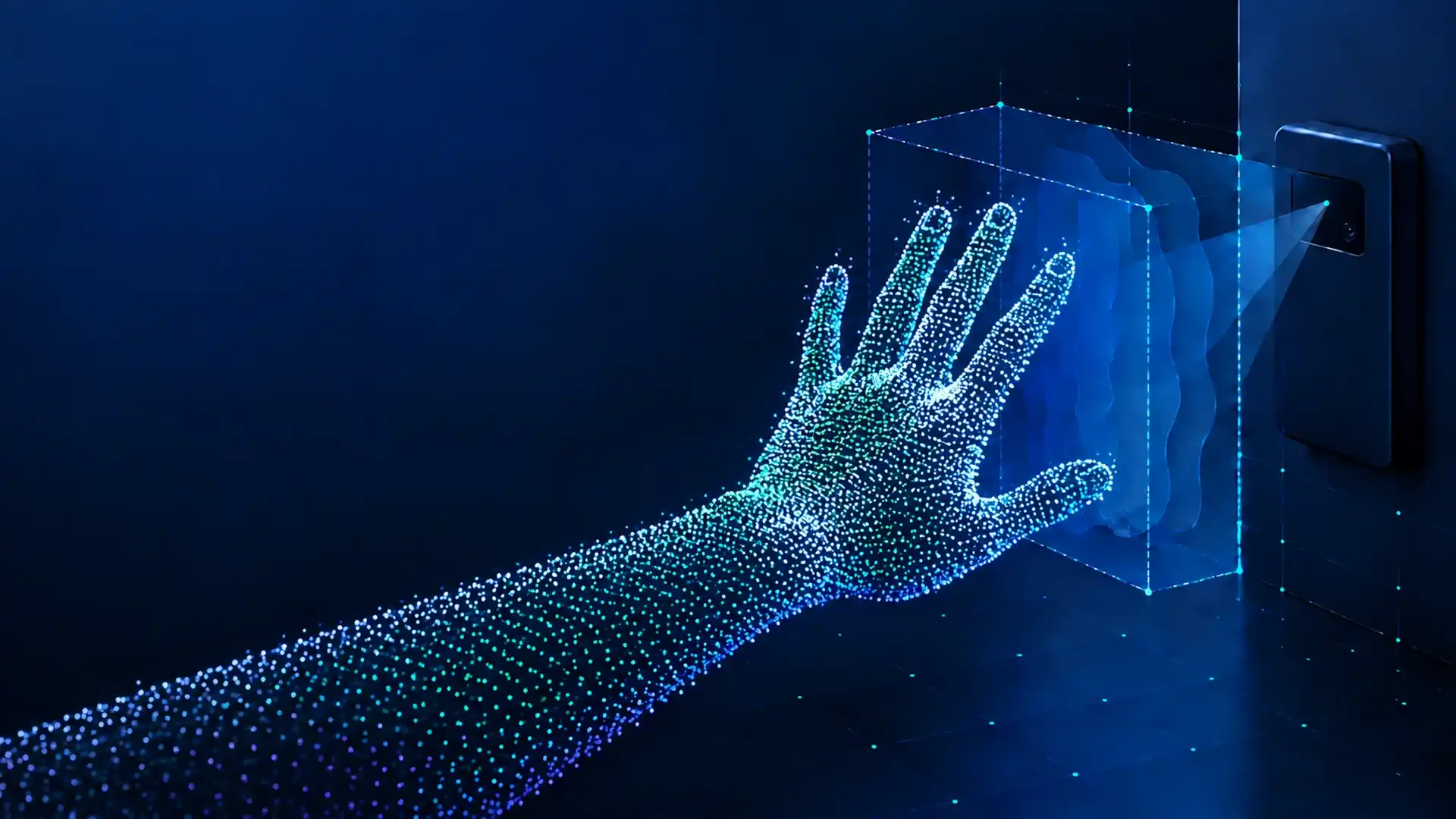
Evaluate 3D ToF for touchless control in cabins, appliances and wet-area interfaces with measured environmental limits.
Your interaction needs dense XYZ geometry, a defined gesture zone, hand shape or a trackable path.
Persistent steam, hidden mounting, severe occlusion or a few-centimeter switch action drives the design.
A depth frame is sensing input. ROI rules, tracking, classification, debounce and the product command remain system work.
DOMI provides the sensing layer. Your host application turns measured geometry into a qualified product action.
Active near-infrared light enters the interaction volume.
The module exposes depth, IR, confidence and optional point-cloud data.
The host limits the scene and separates a hand from background geometry.
Temporal logic keeps a candidate hand stable through motion and partial loss.
Features or a model map the tracked motion to a gesture hypothesis.
Arming, confirmation and cooldown decide whether a command is allowed.
The product HMI maps a confirmed gesture to an action and a fallback.
The engineering boundary
A depth frame is not a gesture command.
Do not equate module depth output with gesture-recognition accuracy. The complete system owns thresholds, state, response and fallback behavior.
Depth capture, calibration and depth, IR, confidence or point-cloud outputs.
ROI, hand detection, tracking, features, classification and debounce.
Command mapping, feedback, exception handling and physical or voice fallback.
ToF is not automatically the answer. Compare the complete system against the geometry, environment, data path and product constraints.
| Decision dimension | 3D ToF | mmWave | RGB / NIR | Capacitive / E-field |
|---|---|---|---|---|
| Dense XYZ geometry | Strong | Medium or weak | Needs visual inference | Weak |
| Static gestures | Strong | Medium | Strong | Medium |
| Dynamic gestures | Strong | Strong | Strong | Medium |
| Dark environment | Strong | Strong | NIR is stronger than RGB | Strong |
| Direct sunlight | Requires validation | Strong | Requires validation | Strong |
| Steam or condensation | Weak point | Relatively stronger | Weak point | Depends on structure |
| Hidden installation | Optical window limits apply | Strong | Window limits apply | Feasible |
| Data interpretation | Direct 3D geometry | RF feature expertise | Rich semantics, larger data path | Simple near-field action |
| Typical advantage | Defined volume, posture and trajectory | Steam, occlusion and multi-function sensing | Fine finger semantics | Near-field, low power and low cost |
Choose ToF when explainable 3D hand geometry and an explicit working volume are central.
Compare mmWave when steam, occlusion or hidden installation is the dominant risk.
Use a simpler near-field route when the interaction is only a short, single action.
Cabins and wet-area interfaces share a sensing question, but their negative samples and environmental risks are different.
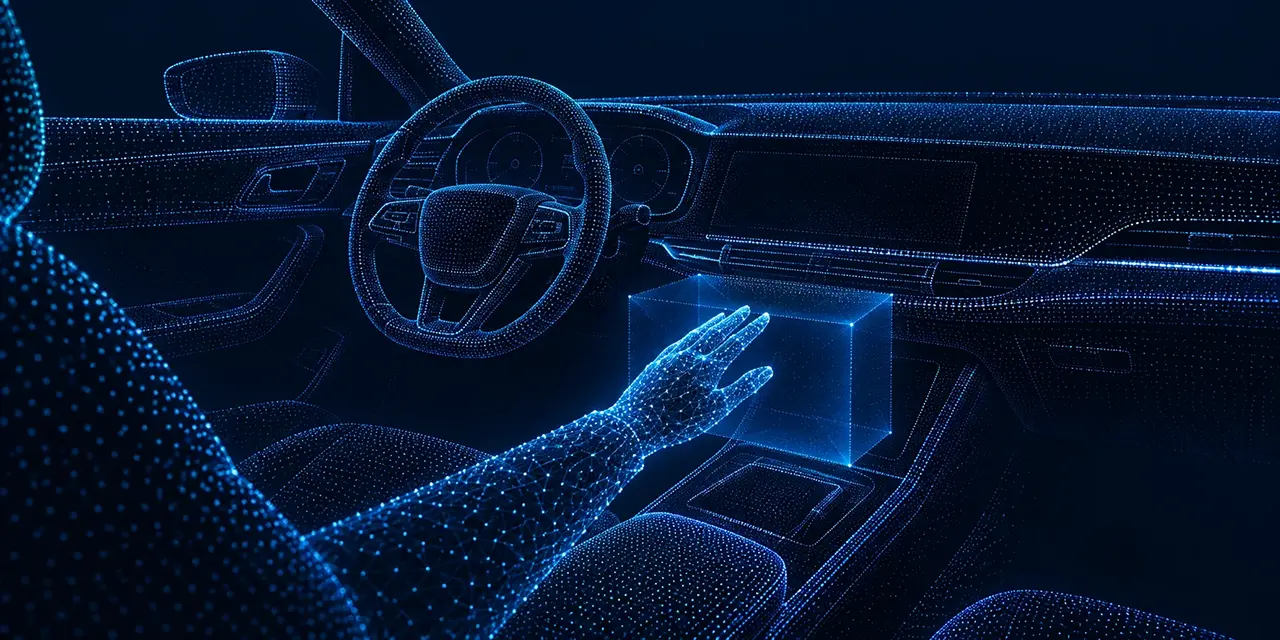
Qualify touchless input for non-safety-critical actions where the driver context and negative set are explicit.
Priority tests: Test sun angle, reflective trim, cups, shifting, vents, gloves, sleeves, jewelry, vibration and distraction risk.
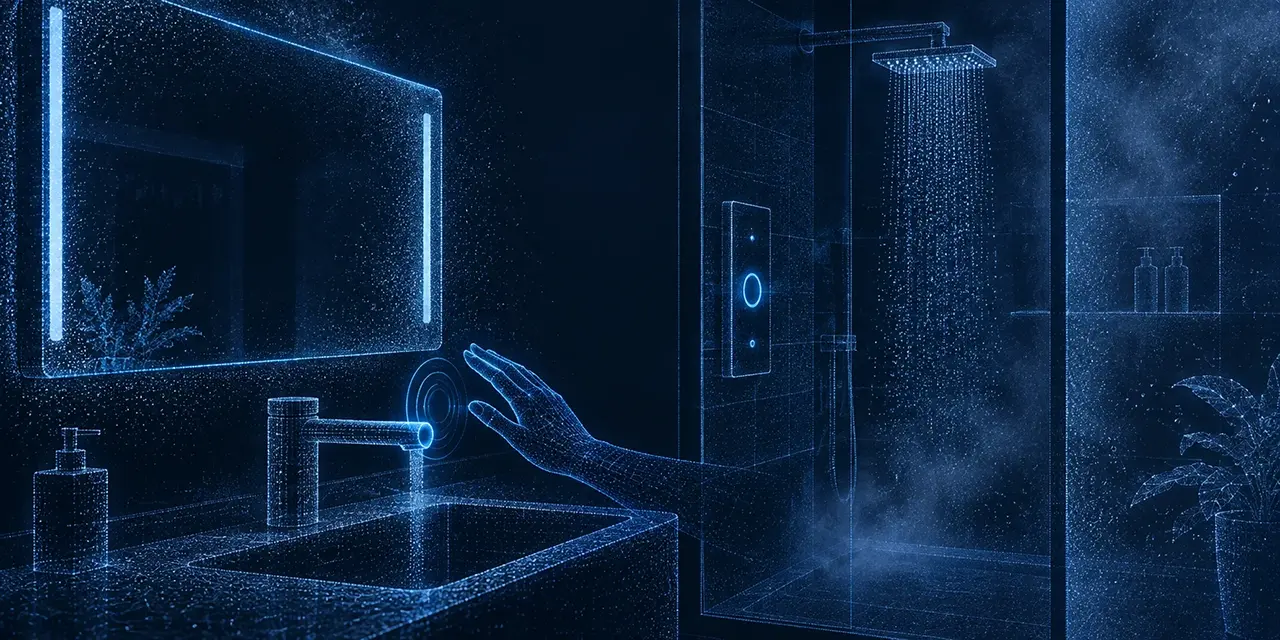
Explore hands-busy control for mirrors, faucets, shower panels, appliances and room interfaces.
Priority tests: Test steam, window condensation, mirrors, wet tile, glass, metal, water flow, towels, cleaning residue and false triggers.
Working volume, pixel coverage, gesture complexity and host compute should be specified together before hardware selection.
100 x 100
Useful for region position and simple actions when the host needs a smaller data path.
320 x 240
More pixels across the gesture zone for hand contour, trajectory and candidate separation.
About 33 ms
Frame rate is only one term in end-to-end response. Transport, compute and debounce still add time.
Static pose or dynamic trajectory
Gesture count and similarity
Single or two hands
Minimum and maximum distance
Hand speed and start direction
Start, completion, timeout and cooldown
Latency model
Frame interval + transport + preprocessing + tracking/classification + debounce + application response
Report p50 and p95 under representative host load. A 30 fps module does not imply a 33 ms confirmed command.
A reliable system enters an undecided state when evidence is weak. It does not guess and keep executing commands.
No confirmation is a valid outcome.
Define confidence gates, safe recovery, user feedback and a physical or voice fallback before the product acts on a low-quality frame.
Observed risk
Sunlight can reduce valid-depth coverage or confidence in the working volume.
Validation response
Measure coverage and false rejection by sun angle. Test shading, ROI and exposure options.
Observed risk
Missing depth can interrupt a track even when the hand is visible to a person.
Validation response
Gate on confidence and use temporal tracking. Define a no-command path for missing evidence.
Observed risk
Specular returns and multipath can create range bias or false point clusters.
Validation response
Change mounting angle, exclude risky ROI regions and record range bias on real finishes.
Observed risk
Near-field scattering can lower coverage and change the observed depth distribution.
Validation response
Detect a degraded fog state, pause commands and compare a radar or fused route if needed.
Observed risk
The optical path can degrade across the whole frame and introduce crosstalk.
Validation response
Test anti-fog or heating structures and add a sensor-health fault state.
Observed risk
Overlapping illumination can create periodic noise or invalid pixels.
Validation response
Evaluate placement, synchronization, time division and physical optical isolation together.
Observed risk
Cups, shifting, vents, towels and cleaning actions may enter the gesture zone.
Validation response
Use an armed zone, context gates and cooldown. Report false activations per operating hour.
Observed risk
A blocked hand should not immediately become a command or a permanent fault.
Validation response
Track loss, reacquisition time and safe recovery state across representative occlusions.
Published depth specifications describe module capability. They are not system-level gesture accuracy results.
Rapid data capture and algorithm validation
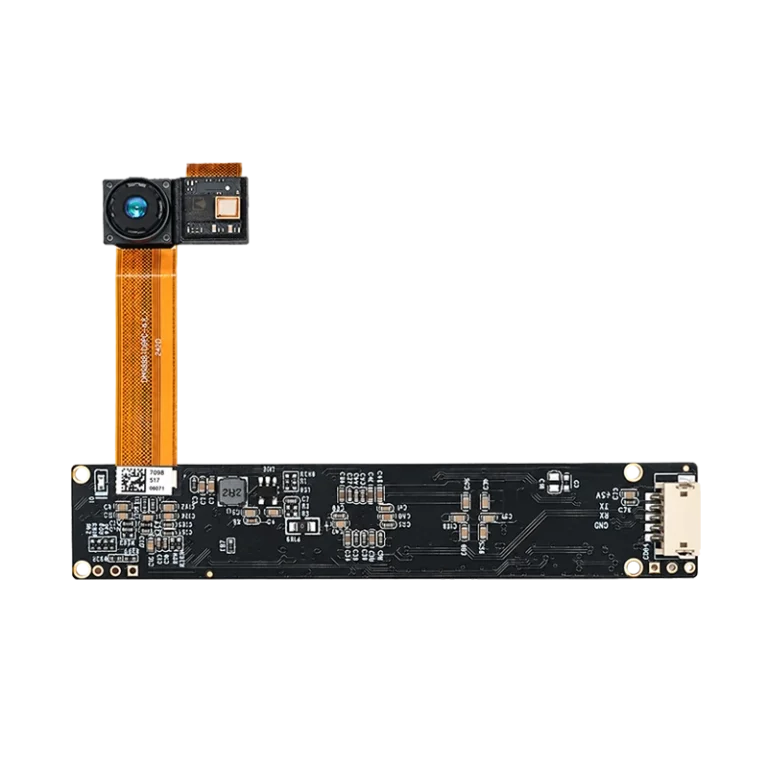
PublishedUse on a PC or host platform to capture representative gesture data before committing to an embedded form factor.
View published specificationsCompact near-field embedded path
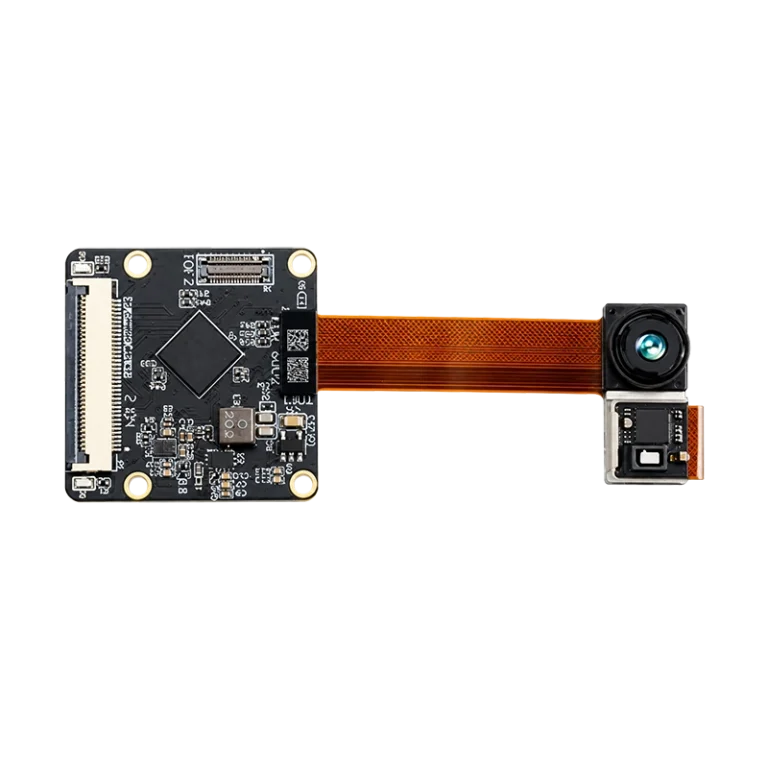
Requires project validationStart here for near-field hand tracking and compact embedded validation. Confirm cover-window behavior.
View published specificationsLonger-distance embedded path
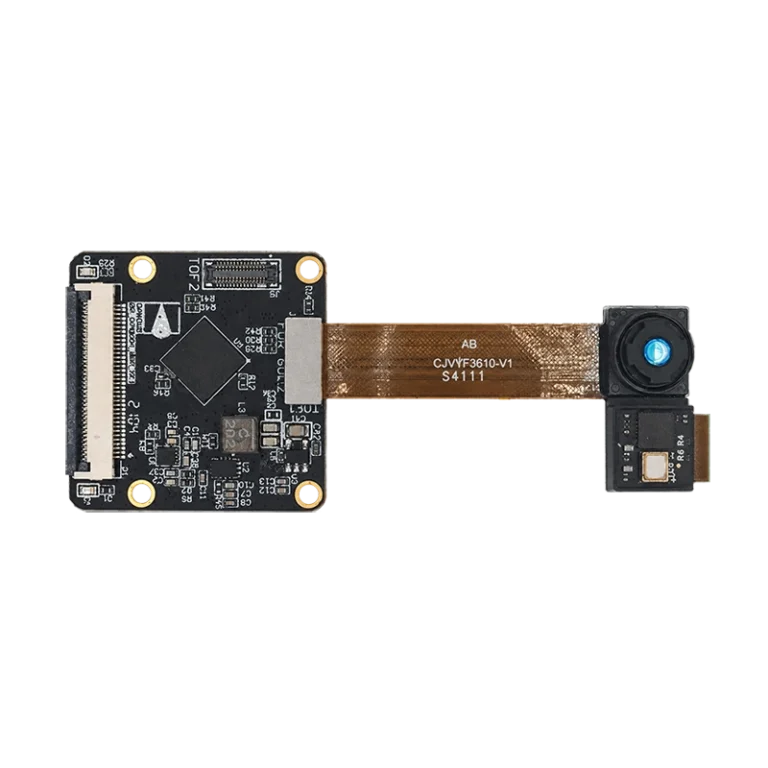
Requires project validationConsider for a larger gesture zone. Ambient light, materials and installation angle still need evidence.
View published specificationsSimple gestures and low-data host path
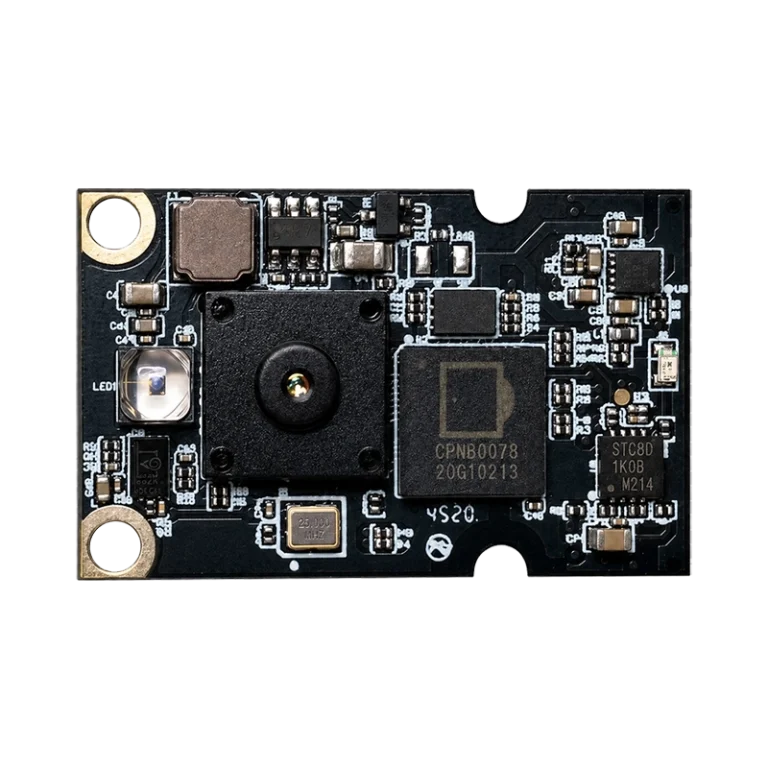
Confirm with engineeringEvaluate regional position or simple actions where lower host bandwidth is more important than dense geometry.
View published specificationsDirect answers to common questions about sunlight, steam, resolution, latency, false triggers and module qualification.
It depends on the working volume and failure surfaces. ToF is a strong starting point when dense, explainable hand geometry matters. Compare mmWave when persistent steam, hidden mounting or severe optical occlusion dominates. Evaluate both on the complete system, not the sensor output alone.
It can work in some installations, but sunlight and ambient infrared need measured validation. Record valid-depth coverage, confidence, false rejection and false activation by sun angle, distance, material and cover-window condition. Do not treat a published frame rate as sunlight qualification.
It may work during some humidity conditions, but steam and condensation are optical risks. Test dry, rising-steam, high-humidity and recovery states with the final window, mounting angle and surfaces. Add a degraded state that pauses commands when depth quality is below the application threshold.
It can be evaluated behind a suitable optical window, but material, coating, air gap, thickness, tilt and crosstalk affect the result. Test the final stack with calibration, temperature and contamination conditions before selecting the production geometry.
There is no universal pixel count. Start from the smallest hand or finger detail, target range, hand speed and gesture separation. Compare the hand pixel coverage of 100 x 100 and 320 x 240 at the actual working volume, then validate the complete algorithm.
It can be enough for selected static or dynamic gestures, but frame rate is only the frame interval. Transport, preprocessing, tracking, classification, debounce and application response add to end-to-end latency. Measure p50 and p95 from gesture start to confirmed product feedback.
Define gesture start, completion, confirmation and product response first. Measure frame interval, transport, preprocessing, tracking or classification, debounce and application response separately, then report p50 and p95 under representative host load and interface settings.
Common causes include an unbounded ROI, hands crossing zones, cups, shifting, vents, reflective trim, vibration, overlapping active sensors and an under-specified state machine. Build a negative set and report false activations per operating hour instead of relying on a single accuracy number.
DOMI modules provide the depth-sensing foundation and published output options. ROI logic, segmentation, tracking, gesture classification, debounce, command mapping and fallback behavior are normally part of the host application. Confirm SDK examples and any project-specific scope with engineering.
Do not assume that from a module specification. Confirm the selected product, working temperature, EMC, ESD, laser safety, AEC-Q100 or other vehicle requirements, PPAP, PCN, lifecycle and final-system validation with DOMI engineering.
Share the gesture zone, installation environment and host path. DOMI can help frame the next engineering test.
Work email, company, application, gesture zone, target gestures and your biggest technical concern are enough to start.