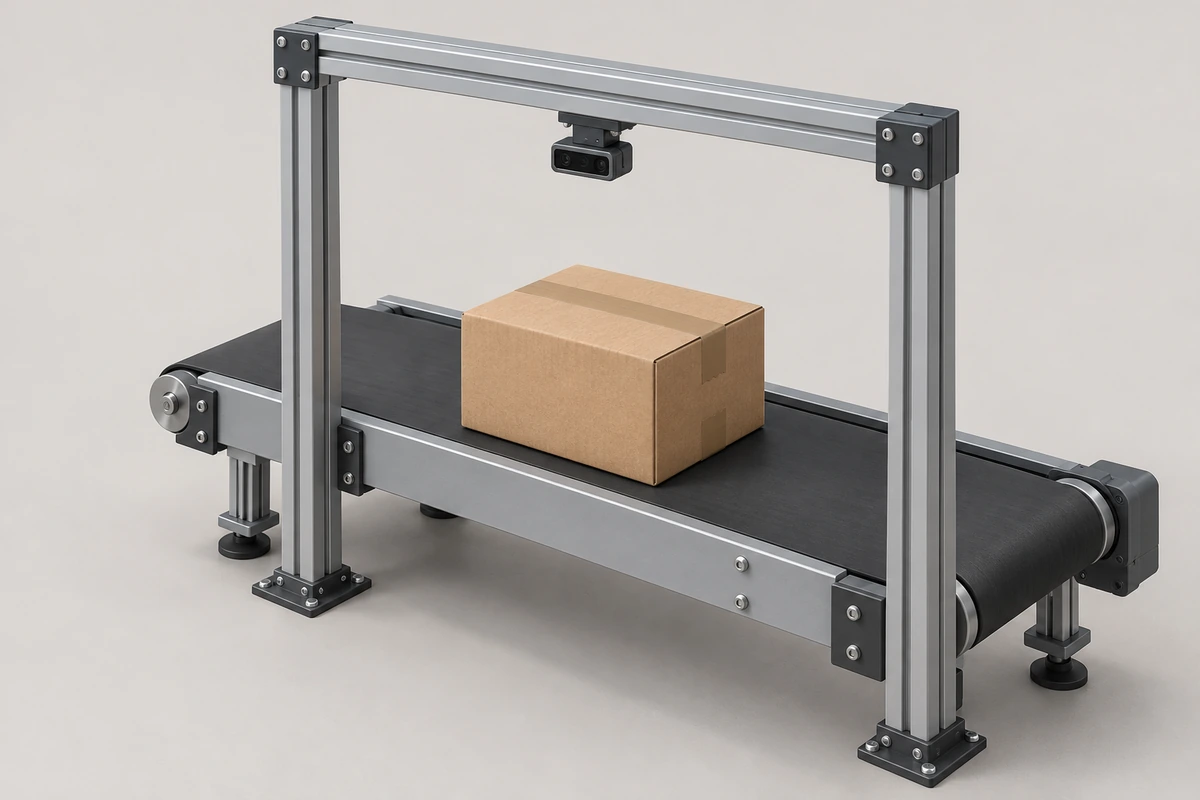
A ToF depth camera supplies surface-distance data for measuring parcels. With calibration and object-processing software, those samples can become length, width, height and a bounding volume. DOMI offers USB RGB-D cameras, USB depth platforms and embedded modules for building that measurement path.
Define the required parcel dimensions before selecting the camera. A carton on a static table, a soft bag and a parcel moving on a conveyor create different visibility and timing requirements. Evaluate the final reported dimensions on those objects, alongside the camera's depth data.
Define the parcel dimensions and bounding volume
For a rectangular carton resting on a reference surface, define length and width along its footprint and height perpendicular to that surface. State how rotation is handled: a box aligned with the installation axes can have different reported bounds from a tight box rotated with the parcel.
For irregular parcels, use a documented enclosing-box rule. A bounding box encloses the measured object and includes empty space around curved or concave surfaces. It is useful for handling and storage calculations, while material volume and a watertight 3D model require additional geometry.
As a worked arithmetic example, dimensions of 500 × 300 × 200 mm give a bounding volume of 30,000,000 mm³, or 0.030 m³ (30 L). This is an assumed parcel example, not a DOMI measurement result or a carrier billing rule.
Calibrate the reference plane and camera geometry
Use camera intrinsics and the selected depth format to reconstruct spatial points. Establish the measurement scale and fit the empty table or belt as a reference plane. With a unit-length plane normal, the signed perpendicular distance from a point to the plane gives its height after the normal's direction has been chosen consistently.
Keep camera-to-surface position fixed, or provide a method to update the reference when it changes. Check known reference objects at the center and edges of the working area, at several heights. Include warm-up, enclosure temperature and the final cover window in the procedure. Our RGB-D calibration and validation guide covers the camera and installation checks.
For an overhead installation, the tallest parcel reduces camera-to-object clearance. Check both the near limit at the parcel top and the far limit at the reference surface. FOV at the reference plane alone does not prove that all sides or protrusions will remain visible.
Segment the parcel and handle hidden surfaces
Separate the object from the reference surface and nearby structures using height, a measurement region and the available depth-quality information. RGB can help distinguish appearance, while its relationship with depth depends on registration and scene visibility. Exclude conveyor guards, hands and adjacent parcels from the dimensioning region.
Review edge pixels and invalid samples before calculating extremes. A single outlier can enlarge a bounding box; aggressive filtering can remove a real corner or protrusion. Set the filtering rule using known test objects and retain enough information to identify rejected or incomplete captures.
A top view can estimate a visible carton footprint and top height when the geometry supports that interpretation. Overhangs, bags and hidden side surfaces need a visibility assessment. Additional viewpoints or a controlled capture position can supply missing geometry; multiple active cameras also require an interference and timing assessment.
Compute dimensions with an explicit box rule
For an installation-aligned box, project valid object points into the reference-plane axes. The differences between the maximum and minimum coordinates give the two footprint extents. Height comes from distance above the reference plane under the chosen surface and outlier rules.
For parcels placed at arbitrary yaw angles, fit an oriented footprint before reporting length and width. Define which side is called length, how protrusions are included and how incomplete data is flagged. Multiplying the accepted length, width and height produces the enclosing-box volume.
Keep these rules consistent between development, acceptance tests and production. Otherwise, two algorithms can disagree about an irregular parcel even when they use the same depth capture. Surface reconstruction and bulk-fill estimation have their own output definitions and should be evaluated separately.
Test final dimension error and repeatability
Measure each reference parcel using a traceable method appropriate to the required tolerance. Record signed length, width and height errors, repeated-capture spread, rejected captures and failures to produce a result. Test rotations, positions, heights and actual packaging materials rather than only one central carton.
| Test condition | What to examine |
|---|---|
| Known rigid cartons at several positions | Scale, reference-plane alignment and field-dependent error |
| Rotated cartons and protruding packaging | Orientation rule, edge retention and enclosing-box consistency |
| Dark film, glossy tape and soft bags | Valid depth, edge artifacts and incomplete geometry |
| Repeated captures after warm-up | Repeatability, temperature effects and calibration drift |
| Moving parcels at the intended spacing | Trigger timing, motion effects, missed parcels and association with the correct item |
Dimension errors also affect calculated volume. If each dimension in the 500 × 300 × 200 mm example were overestimated by an assumed 2 mm, the calculated volume would increase by about 2.08%. This illustrates error propagation only. A camera's depth-accuracy specification, a final dimension tolerance and a system's volume error describe different measurements. See our ToF accuracy guide for depth-test planning.
Select a DOMI capture route
| Integration route | Candidate | Planning details |
|---|---|---|
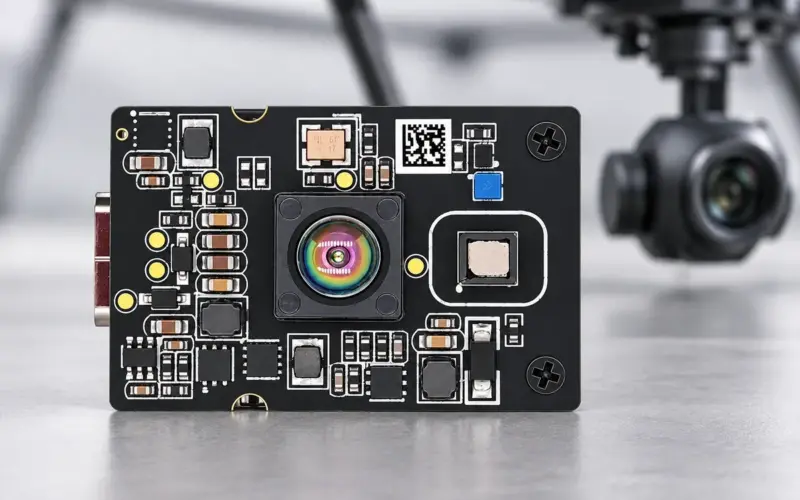
| USB RGB-D acquisition for combined appearance and geometry | DM-RGBD5003A VGA ToF RGB-D Depth Camera | USB 2.0; depth up to 640 × 480 at 25 fps; 0.2-5 m for indoor and semi-outdoor use; depth-RGB registration for the host workflow |
| USB depth acquisition with an existing appearance camera or depth-focused pipeline | DM5005A | 320 × 240 at up to 30 fps; 940 nm option specifies 0.2-2 m and 850 nm option 0.3-5 m; include the customer-designed enclosure and thermal path |
| Embedded camera integration | DMOM2808D | 320 × 240, 10-30 fps, 0.25-4.5 m and 2-lane MIPI CSI-2; plan the host capture and depth-processing path |
Choose the route around parcel size, clearance, material, movement and host resources. Use installed-system measurements to set the accepted object envelope and final dimension tolerance.
For a conveyor or DWS project, also define triggering, parcel identification, weighing interfaces and rejected-item handling. Billing use requires the applicable complete-system approval and configuration. Our dynamic and static volume measurement solution covers that broader integration scope. Contact us with parcel limits, required tolerance, conveyor speed or static workflow, and the available mounting space.
FAQs
What does a parcel dimensioning camera output?
A depth camera provides distance data or spatial points. The dimensioning software calibrates those points, segments the parcel and applies a defined box rule to produce length, width, height and volume. Select processed system outputs separately from camera data outputs.
Is bounding-box volume the same as the parcel’s material volume?
Bounding-box volume includes empty space inside the enclosing box. It describes the occupied envelope under a chosen rule. Material volume needs enough surface information and a suitable model of the object.
How should I evaluate a depth camera for dimension measurement?
Compare final reported dimensions with reference parcels across the working region, orientations and materials. Report signed error, repeatability, rejected captures and moving-parcel performance separately.
How does RGB help a ToF dimensioning workflow?
RGB supplies appearance information for host-side segmentation, labels or parcel association. Depth supplies geometry. Calibration, registration and timing determine how the two data streams work together in a moving scene.