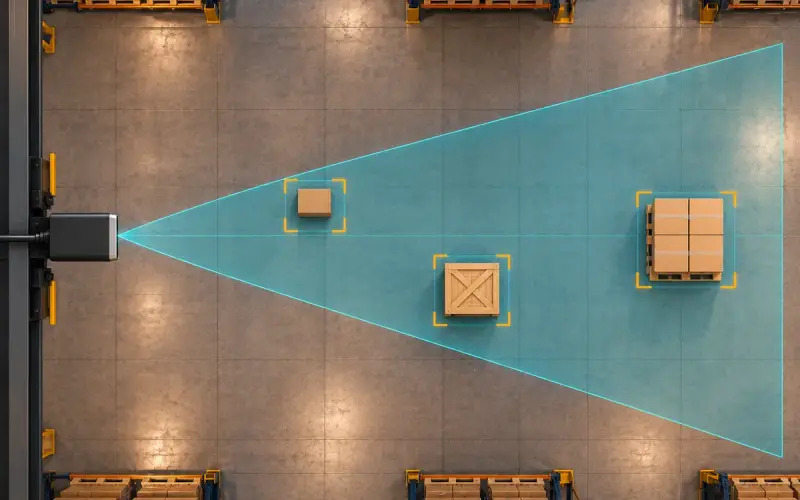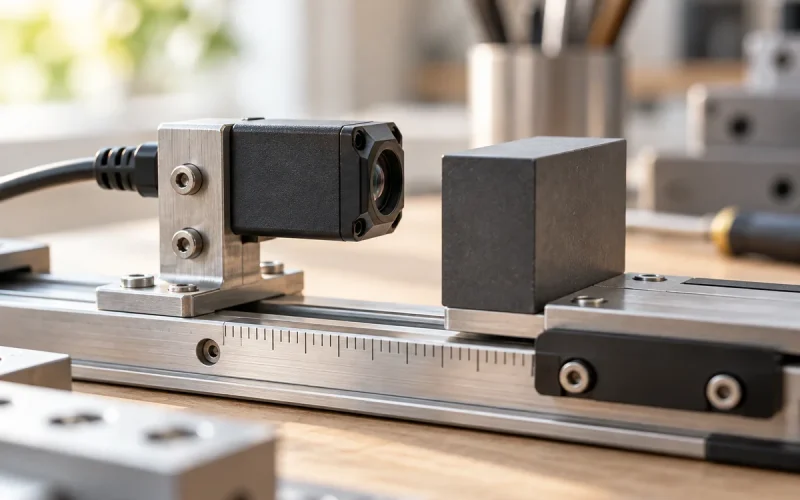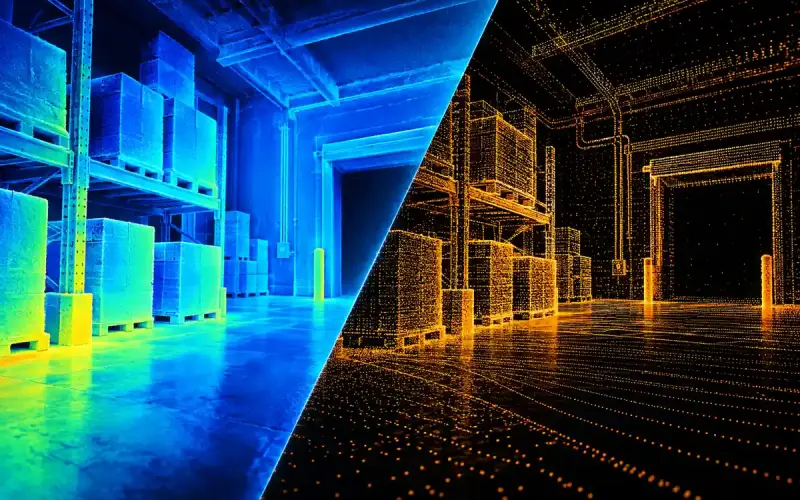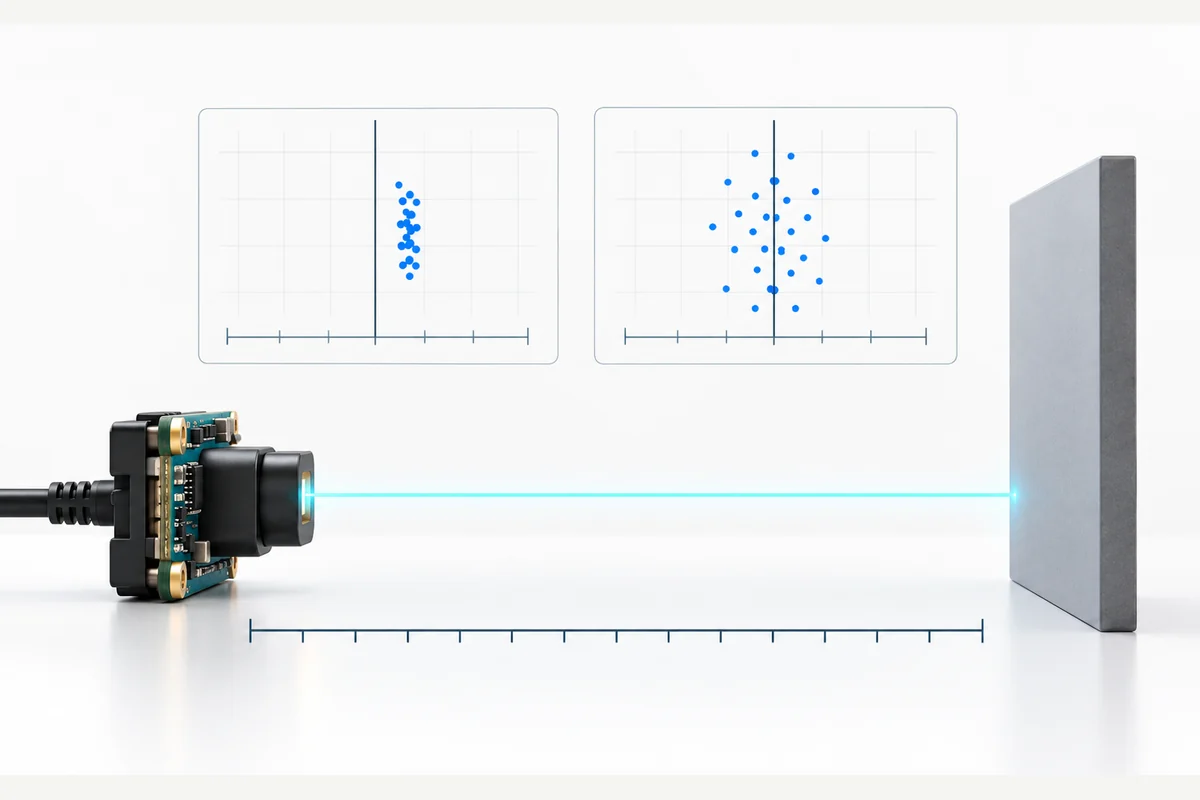
ToF camera accuracy describes how closely a depth measurement agrees with a reference value. To evaluate it for your application, compare measured distances with a suitable reference, check the variation across repeated readings and record how much of the required scene produces usable depth data.
This approach helps you choose the right next step: adjust acquisition settings, improve the installation, review calibration or compare another camera configuration. Start with the measurement your project needs, then test the camera under conditions that represent the final system.
What does ToF camera accuracy mean?
A time-of-flight camera derives distance from the return of emitted light. Depending on the architecture, the measurement uses pulse timing or the phase of modulated light. The resulting depth map is influenced by the received signal and the way measurements are acquired and processed.
In measurement terminology, accuracy concerns agreement with a reference, while precision concerns agreement among repeated measurements under specified conditions. For a camera evaluation, separate the following quantities:
| Quantity | What to examine | Why it matters |
|---|---|---|
| Measurement error and bias | Difference from the reference; mean signed error across repeated readings | Reveals a consistent offset that can remain in a stable depth image |
| Repeatability | Spread of repeated measurements with the setup held constant | Shows how much the reading varies over time |
| Spatial resolution | Depth-image dimensions and the target coverage at the working distance | Helps assess whether the required object or feature is represented |
| Usable depth coverage | Fraction of required pixels or frames meeting a stated validity rule | Shows whether the application receives enough data to perform its task |
A tightly grouped set of readings can still have a consistent offset. Likewise, a high pixel count describes spatial sampling rather than distance accuracy. Read each camera's accuracy specification together with its test conditions and the manufacturer's definition of the metric.
How to test ToF camera accuracy
1. Define the measurement and its reference
Write down the required distance range, target size, measurement region and acceptable error. Decide whether the application uses individual pixels, an average over a region or a fitted object surface.
Use a reference setup whose uncertainty is small enough to support the decision you need to make. Align the reference with the camera's documented distance origin and output convention. Distance along an optical ray and depth along the camera's forward axis are different quantities away from the image center; compare like with like.
Begin with a rigid, flat target facing the camera. Use this baseline to make the setup easy to reproduce, then extend the tests to the actual objects and surfaces in your application.
2. Keep a reproducible baseline
Record the camera model, firmware, acquisition mode, exposure or integration setting, frame rate, filtering and calibration configuration. Keep the lighting, target position and mounting fixed for the baseline run.
Follow the selected model's startup guidance and record the thermal state. Factory accuracy tests commonly specify lighting, target, temperature and measurement region; retaining those details makes comparisons more meaningful.
3. Sample distance, image position and time separately
Choose reference positions across the working range. At each position, capture repeated frames for the selected region. Then evaluate other parts of the image and the target types that matter to your application.
Keep temporal variation at a fixed pixel or region separate from spatial variation across a surface. Combining every pixel and frame into a single average can hide local errors or unstable areas.
4. Report error and usable readings together
For each valid sample, calculate the signed error as measured distance minus reference distance. Report its mean to reveal bias, and include a measure of error magnitude such as mean absolute error. Use a stated spread metric, such as standard deviation across repeated readings, to describe temporal variation.
Also report the number of attempted samples and the fraction accepted by your validity rule. State any thresholds, rejected values, region averaging and filters so that another test can reproduce the result.
For example, readings equally above and below the reference can have a mean signed error close to zero while still showing substantial variation. Reporting both error magnitude and spread makes that behavior visible.
Worked example: zero bias can still hide error and missing readings
Consider five illustrative attempts to measure a 1,000 mm reference: 1,002, 998, 1,004 and 996 mm, followed by one invalid reading. This hypothetical data set illustrates the calculation; it is not a DOMI camera measurement.
| Metric | Calculation | Result |
|---|---|---|
| Mean signed error on valid readings | (2 - 2 + 4 - 4) / 4 | 0 mm |
| Mean absolute error on valid readings | (2 + 2 + 4 + 4) / 4 | 3 mm |
| Valid-return rate | 4 valid attempts / 5 attempted measurements | 80% |
The zero bias does not remove the 3 mm mean absolute error, and neither number describes the missing fifth result. For an image region, define whether the denominator counts required pixels, frames or pixel-frame pairs. Keep that denominator, validity rule and region fixed when comparing exposure or filters. State the reference uncertainty alongside the results when it affects the acceptance decision.
Common ToF camera errors and what to inspect
Use the observed behavior to choose a controlled comparison. The table is a troubleshooting plan; the pattern alone does not establish its cause.
| Observed behavior | Variables to inspect | Useful next comparison |
|---|---|---|
| Stable offset on a stationary target | Reference alignment, distance convention, calibration and temperature state | Repeat at several reference positions with settings held fixed |
| Scattered readings on a target region | Return signal, ambient light and acquisition settings | Compare the same target and distance while changing one setting |
| Missing data on selected surfaces | Surface, angle, distance and validity thresholds | Compare representative materials and retain the rejected-sample count |
| Incorrect depths near edges | Foreground/background mixing and spatial processing | Evaluate an interior region separately from the boundary |
| Distortion near reflective surfaces or corners | Reflections and possible multipath | Compare the scene with nearby reflective objects repositioned |
| Changes after startup or during operation | Thermal state, mounting and configuration | Repeat a fixed-target run while recording temperature and elapsed time |
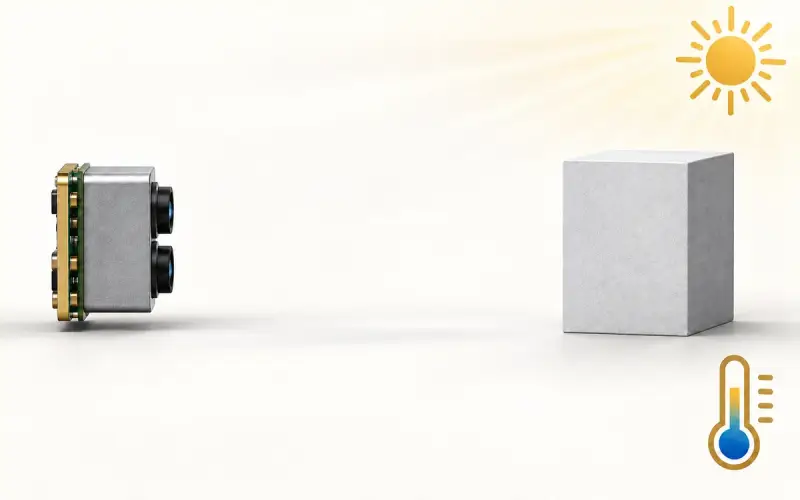
Ambient light, reflectivity, multiple reflections and temperature are established factors in ToF measurements. Their effects depend on the camera and scene. Include the expected lighting and thermal state when extending the baseline test to the installation.
How to improve ToF camera accuracy
Match exposure to the signal and the task
Exposure or integration time is one acquisition variable. A longer exposure can improve measurements when insufficient return signal is the limiting factor, while also changing the tradeoff with saturation and acquisition timing. Test supported settings with your target, lighting and required update rate.
Measure the outcome rather than relying on a brighter image alone. Compare bias, temporal spread and usable coverage before and after the change. Repeat the comparison with moving targets if motion is part of the task.
Evaluate filtering with the output your application uses
Spatial and temporal filters process neighboring samples or measurements from different times. They can reduce visible noise, but the effect on boundaries and changing scenes also matters.
Keep a baseline with documented processing settings, then compare the output delivered to your application. Include object edges and motion in the test so that smoother depth data is assessed alongside useful detail and response.
Review calibration and the final assembly
If repeated tests show a consistent offset, review the reference setup and the calibration procedure for the selected camera. After changes to the cover window, mounting or thermal arrangement, repeat the relevant depth checks on the assembled system.
For RGB-D integration, evaluate depth measurement and color-to-depth alignment as separate tasks. Our RGB-D calibration guide provides a starting point for organizing those checks.
Compare DOMI cameras against your measurement requirements
Use your evaluation record to shortlist a sensing configuration: working distance, required coverage, smallest target, movement, lighting, host interface and the depth metrics that matter to your task.
For applications using both color and depth, explore the DM-RGBD5002A VGA ToF RGB-D Depth Camera and DM-RGBD5003A VGA ToF RGB-D Depth Camera. Compare each model's specifications and conditions with your intended setup.
For embedded depth sensing, explore our ToF camera modules. Share your requirements with DOMI, including a representative target and the error behavior you observed, so we can help organize the next evaluation step.
FAQs
How accurate is a ToF camera?
The useful answer is specific to the model, distance, target, lighting and configuration. Compare the stated specification and its conditions with measurements from your own task. Include bias, repeatability and usable depth coverage to understand the result.
What is the difference between accuracy and precision?
Accuracy concerns agreement with a reference; precision concerns agreement among repeated measurements under stated conditions. A camera may return very similar distances repeatedly while those readings remain offset from the reference.
How should I interpret a percentage accuracy specification?
First identify what the percentage refers to: measured distance, full scale or another defined basis. As an arithmetic example, 1% of a 2 m distance is 20 mm. Apply that calculation only when the specification uses that basis, and retain any fixed error term, range and test conditions stated with it.
Does increasing integration time always improve accuracy?
Increasing integration time can help when signal collection is limiting the measurement. Its usefulness depends on the scene and acquisition mode. Compare the resulting error, usable readings and timing under your application conditions; a reference or calibration offset requires separate investigation.