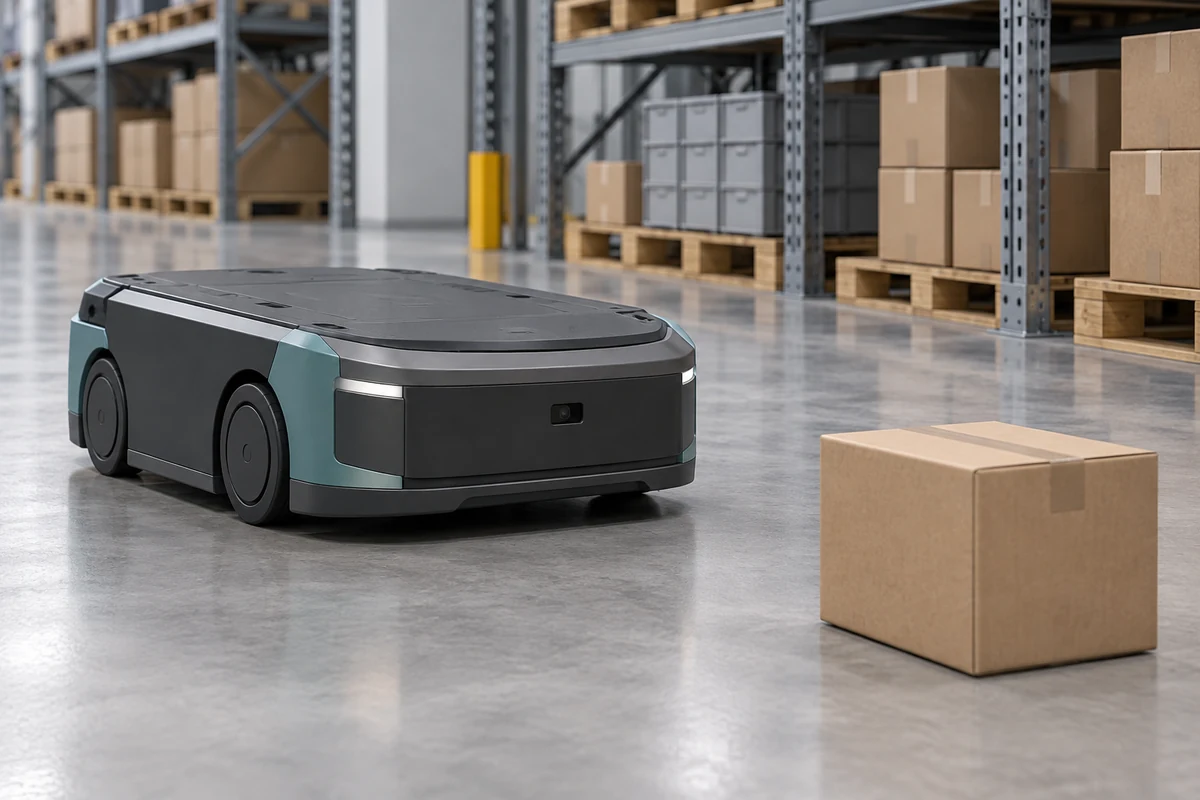
A depth camera gives a mobile robot distance samples across an area, helping its perception software locate objects above the floor and measure nearby geometry. DOMI provides USB RGB-D cameras, compact ToF arrays and single-point sensors for different parts of that task. Choosing a robot depth sensor starts with the objects, blind zones and motion that the installed system must handle.
For an AMR, useful depth data must reach the navigation software in the right coordinate frame and early enough for the controller to act. Plan coverage and timing together, then evaluate the camera on the robot with its final enclosure and host.
Define obstacles, floor changes and docking targets
Describe the smallest obstacle that matters by width, height and material. Include low objects, overhanging loads, pallet legs and objects that enter from the side. A forward-facing depth camera observes a volume; a planar scanner observes its scanning plane. Their mounting positions determine which objects each can see.
A downward-looking channel addresses a different task: measuring the floor or a change in floor distance. A robot cliff detection sensor needs an expected floor region, a measured drop response and a defined response to invalid data. A missing optical return can also come from a difficult surface, so keep missing data distinct from a confirmed drop.
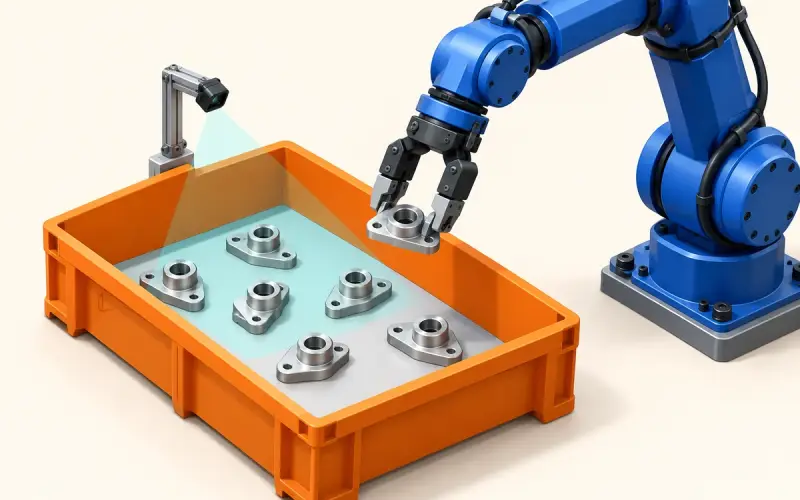
For docking, define the target feature and the required relative pose. Approaching a pallet and aligning with its openings require different regions of interest from general obstacle detection. Our pallet detection and docking solution covers that integration path.
Calculate coverage and target sampling
For a camera facing a plane perpendicular to its optical axis, an initial horizontal coverage estimate is:
width = 2 × axial distance × tan(horizontal FOV / 2)
DM-RGBD5003A has a 64° horizontal depth field of view. At an axial distance of 1 m, ideal coverage is about 1.25 m wide. A 20 mm object near the image center would span roughly 640 × 0.020 / 1.25 = 10 horizontal samples. At 2 m, its span falls to about 5 samples. These are geometric estimates using the maximum 640-pixel depth width, before distortion, invalid pixels and object-edge effects.
Calculate vertical coverage separately using the depth field of view, mounting height and tilt. Plot the nearest usable depth boundary, the robot body and any bumper or load that blocks the view. RGB and depth can cover different angles; use depth coverage for obstacle-distance calculations.
Keep test objects near the center and at the edges of the required region. A wide angle alone does not establish that every required target has enough valid samples. The ToF camera selection guide explains how working distance and feature size guide that choice.
Build the motion and latency budget
Frame interval is one part of the data path. At 25 fps, frames are 40 ms apart; at 10 fps, they are 100 ms apart. Include acquisition, transfer, host processing, map updates and controller response when measuring the age of information used for a decision. Filtering can add delay even when the displayed depth looks smoother.
As an illustrative calculation, a robot moving at 0.5 m/s travels 60 mm during an assumed 120 ms sensing-to-command delay. A simplified stopping-distance budget also includes braking, such as v × delay + v² / (2 × deceleration) + margin for constant deceleration on level ground. Use measured loaded-robot behavior, including turning and surface conditions, to develop the actual control budget. These calculations describe timing and motion; personnel protection requires the machine's own safety design and validation.
Log timestamps at acquisition and at controller consumption, identify the clock domains, and record typical and high-percentile delays. Test stale frames, dropped messages and host overload alongside normal operation.
Transform depth into robot coordinates
Use camera calibration to turn valid depth samples into spatial points, following the SDK's definition of depth and axes. Apply the measured camera-to-robot transform, remove known robot structure and select the height and distance region relevant to the task. Perception supplies geometry or detections; localization estimates robot pose, planning selects a path, and control executes motion. A camera can contribute measurements to these stages while each stage retains its own software requirements.
For ROS 2 navigation, the Nav2 Obstacle Layer documentation specifies LaserScan or PointCloud2 inputs and controls for sensor frames, observation updates and obstacle heights. Match those settings to the installed camera and your ROS distribution. Keep obstacle marking, clearing and treatment of unknown space deliberate, particularly around low-reflectivity targets and floor changes.
Choose the sensing route
| Project task | DOMI starting point | Integration work |
|---|---|---|
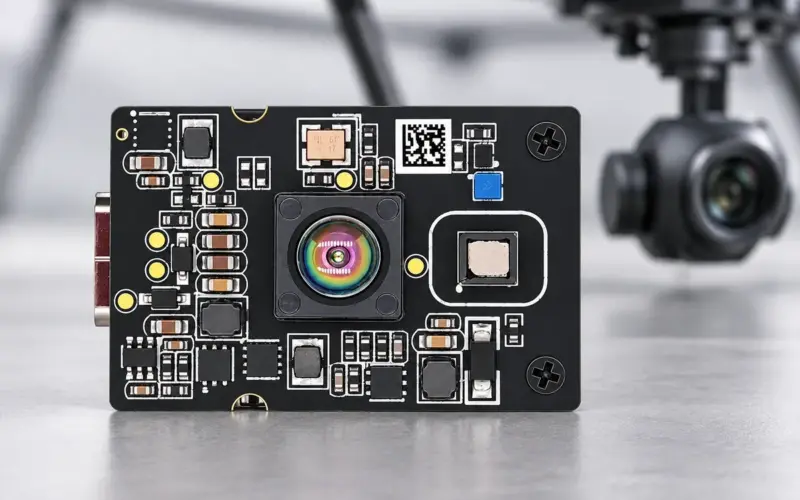
| Combine object appearance with detailed nearby geometry | DM-RGBD5003A VGA ToF RGB-D Depth Camera, USB 2.0, depth up to 640 × 480 at 25 fps; 0.2-5 m for indoor and semi-outdoor use | Select streams and software versions, calibrate installation and measure the host pipeline |
| Acquire a compact array of distance samples | DMAS2M001, 40 × 30 at 10 fps; 60° H × 45° V | Relate target sampling and update interval to motion; select the build's interface and output configuration |
| Add a local proximity or downward-ranging channel | DM0301, single-zone processed distance over I2C | Define the sensing zone, floor response, optical-window calibration and MCU timing |
DMAS2M001 specifies 0.2-8 m for targets with 10%-90% reflectivity at 30 klux. Treat those conditions as part of the range specification when comparing it with another route. Single-point distance and area depth provide different information; choose each around the decision it will support.
Evaluate the installed system
Build a scene set with dark packaging, glossy surfaces, angled panels, narrow legs, floor transitions and changing ambient light. For each scene, record target position, valid depth in the required region, missed detections and false obstacles. Repeat at relevant speeds and load states, including the transition from travel to docking.
Keep the camera build, firmware, stream settings, host load, mounting transform and optical window in the test record. The depth-accuracy test guide helps separate distance error from application-level detection results.
Share your robot dimensions, minimum target, travel speed, working distances and host platform with us. We can help select a sensing route and plan an evaluation through our 3D obstacle avoidance solution or engineering contact.
FAQs
How does a depth camera support robot navigation?
It supplies distance samples or spatial points that perception software can transform into the robot frame and use for obstacle mapping or target measurement. Navigation also needs localization, planning and control, with timing and invalid-data handling suited to the robot.
How should I choose an AMR obstacle detection sensor?
Start with the minimum target, nearest and farthest distances, coverage at the installed height, and sensing-to-control delay. Then compare RGB-D, area depth and single-point channels against those requirements using representative scenes.
How are forward obstacle sensing and cliff detection different?
Forward sensing observes objects in the travel region. Cliff sensing measures a floor-facing region and changes from its expected geometry. Their mounting, validation targets and treatment of missing returns need separate evaluation.
Can one camera serve travel and robot docking?
A shared camera can be evaluated when its working range and installation cover both tasks. Define separate regions and processing for travel obstacles and docking features, then test the transition and final alignment under the actual load geometry.