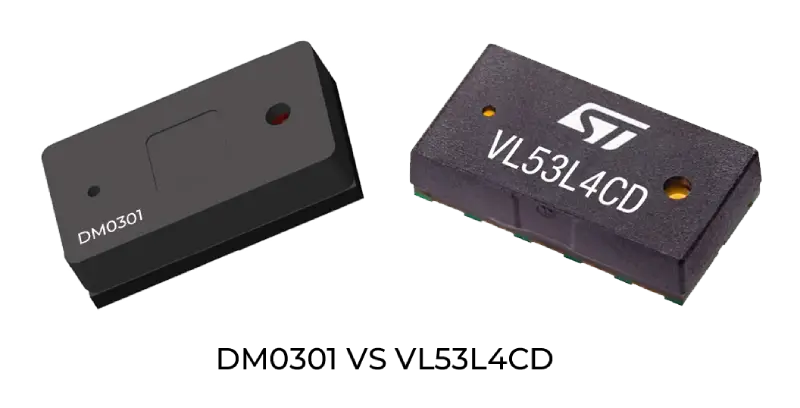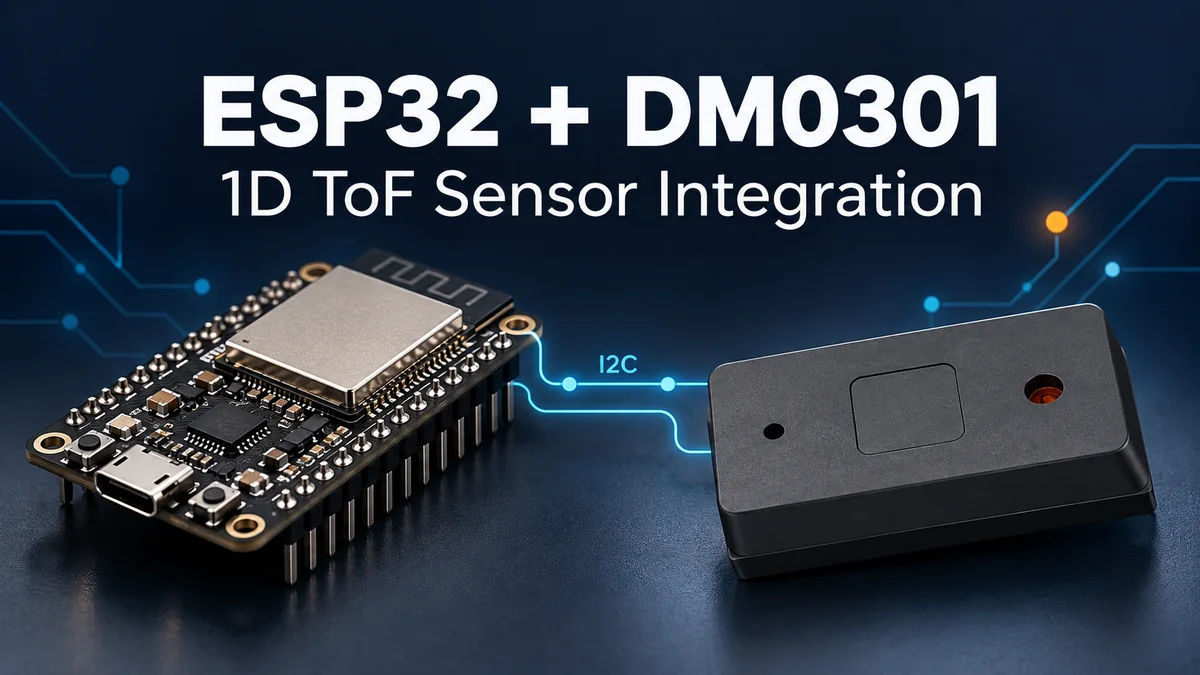
DM0301 brings pin-to-pin VL53L4CD hardware compatibility, longer indoor ranging up to 4 m and lower sensor cost to compact single-point sensing projects. ESP32 can provide the I2C host connection and application logic for a distance-sensing node. This guide covers supply and signal planning, I2C configuration and the startup-to-acquisition workflow.
Our DM0301 product page provides the sensor specifications. For an existing VL53L4CD board, use the replacement selection guide to plan the power, driver and optical work alongside the hardware fit.
Integration overview
DM0301 measures distance along a single sensing direction and provides processed distance results to the host. The ESP32 application manages sensor startup, measurement configuration, result acquisition and the logic that uses each distance. Wireless transfer, logging and control remain functions of your ESP32 application.
| Integration factor | DM0301 specification or planning point |
|---|---|
| Supply | 2.97–3.63 V; 3.3 V typical |
| Host connection | I2C; 7-bit address 0x41 |
| Control signals | XSHUT and active-low GPIO1 data-ready |
| Indoor ranging | Up to 4,000 mm |
| Nominal configurable range | 20 mm–5 m |
| Ranging rate | Up to 50 Hz |
| Package | 4.40 × 2.40 × 1.00 mm optical LGA |
The nominal 5 m range is distinct from the indoor specification up to 4 m. Plan the operating distance and measurement settings around target reflectivity, ambient light, cover glass and calibration.
Hardware and wiring
Start with the schematic for your sensor board and the pin assignment for your ESP32 board. A bare DM0301 device and an evaluation board can have different power and connector arrangements. The following pad references apply to the DM0301 device; use the board schematic for connector wiring.
| DM0301 connection | Device pad | Host-side planning |
|---|---|---|
| AVDDVCSEL and AVDD | 1 and 11 | Provide 3.3 V typical within 2.97–3.63 V and local decoupling |
| AVSSVCSEL, GND, GND2, GND3 and GND4 | 2, 3, 4, 6 and 12 | Connect sensor and host grounds |
| SDA | 9 | Assign an available ESP32 GPIO for I2C data |
| SCL | 10 | Assign an available ESP32 GPIO for I2C clock |
| XSHUT | 5 | Active-low hardware standby; control from the host or pull high for operation |
| GPIO1 | 7 | Connect to a host input when using data-ready interrupts; leave unconnected when unused |
| DNC | 8 | Leave unconnected |
Choose SDA and SCL pins for the actual ESP32 board, allowing for boot-strapping pins and other peripherals. Keep the I2C pull-up supply and XSHUT/GPIO1 levels within the selected sensor I/O mode and the host's electrical requirements. A 3.3 V sensor supply does not by itself define the I/O mode.
I2C uses open-drain SDA and SCL lines with pull-ups. Size the pull-ups for bus capacitance, wiring and clock rate. DM0301's reference circuit uses 1.5 kΩ on SDA/SCL, 10 kΩ on XSHUT/GPIO1, and 4.7 µF plus 100 nF supply decoupling. Treat these as reference-circuit values and account for components already fitted to your sensor board.
I2C address and clock configuration
Use 0x41 as DM0301's 7-bit device address. An API that accepts a 7-bit address uses 0x41 directly; the corresponding on-wire write and read address bytes are 0x82 and 0x83. These bytes are address representations, not register addresses.
DM0301 supports sensor I2C rates up to 1 Mbit/s. For the classic ESP32 covered by Espressif's ESP32 I2C documentation, the master clock should not exceed 400 kHz. Select a rate supported by both devices. Starting bring-up at 100 kHz is a practical engineering choice before assessing the required acquisition rate.
A successful address probe establishes an acknowledged bus transaction. Sensor startup and ranging use the DM0301-specific sequence. Use the documentation for your actual ESP32 variant and installed software version when assigning pins, configuring the bus and handling transaction errors.
Startup and firmware workflow
Organize the host implementation into bus setup, sensor startup, measurement control and application processing. DM0301's startup path includes host firmware transfer before the sensor enters software standby for ranging.
- Apply the sensor supply and enable XSHUT for operation.
- Establish I2C communication, complete boot configuration and use the corresponding DM0301 firmware-loading sequence.
- Complete the transition from Bootloader to the measurement application and software standby.
- Choose single measurement, timed measurement or fixed N-frame operation around application timing and power requirements.
- Start ranging and acquire each result through polling or the active-low GPIO1 data-ready signal.
- Read the result, acknowledge the interrupt through the corresponding driver sequence, then update the application with valid data.
Register 0x00 identifies the running application. The Bootloader application uses App ID 0x80, while the measurement application uses App ID 0xC0. Keep mode-dependent registers within the corresponding application state when reviewing the driver.
Distance registers and acquisition
The following references apply to the measurement application with App ID 0xC0, except for the general interrupt register. Use the DM0301 driver to implement measurement commands, interrupt acknowledgement and result-validity handling for your firmware version.
| Register | Purpose | Result interpretation |
|---|---|---|
| 0xE1 | General interrupt register | Used for result-ready polling and interrupt acknowledgement |
| 0x20 | Result number | Increments after each measurement |
| 0x21 | Distance low byte | 1 LSB = 1 mm |
| 0x22 | Distance high byte | 1 LSB = 256 mm |
| 0x23 | Confidence | Object reliability value; interpretation follows the driver |
| 0x30 | Die temperature | Sensor chip temperature register |
For a distance result, combine the low byte from 0x21 with 256 times the high byte from 0x22 to obtain millimetres. The I2C register-read transaction selects the register using a write phase, then uses a repeated START for the read phase. Keep transaction errors separate from valid distance values.
A complete acquisition loop includes startup and firmware transfer, ranging configuration, result-ready handling, result decoding and interrupt acknowledgement. Scope the ESP32 implementation around that complete sequence and exercise it on the intended board.
Application planning and evaluation
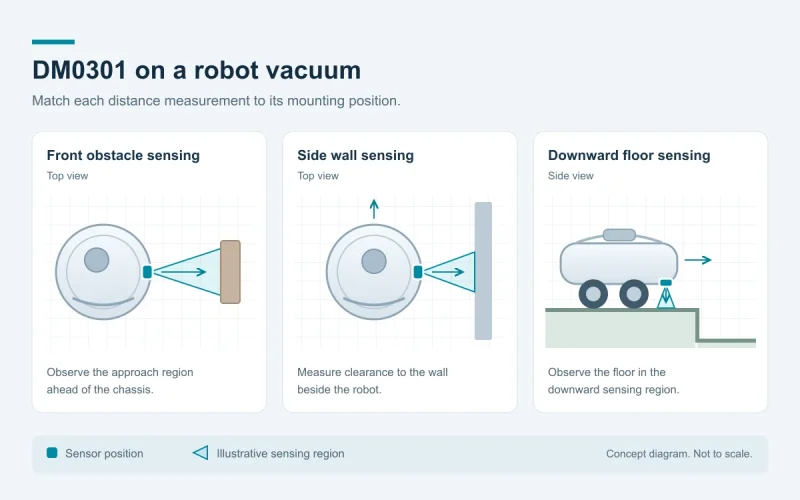
Use the single-point distance channel for tasks such as an approach trigger, local object-distance measurement or auxiliary sensing on a compact robot. Set the sensing direction, target area and response timing around that task.
Evaluate with representative targets and the final enclosure. Include the nearest and farthest operating distances, materials, illumination and cover glass. Record distance error, valid-result rate and acquisition timing against the application's requirements, and repeat startup and recovery with the intended power arrangement.
For a VL53L4CD replacement, DM0301's pin-to-pin hardware fit, longer indoor range and lower sensor cost provide the selection starting point. Include supply adjustment, host-driver work, calibration and product qualification in the project plan. Our ToF sensor selection page helps compare single-point, area and long-range sensing routes.
Frequently asked questions
How does DM0301 connect to ESP32?
Use an I2C host connection with a common ground and the required sensor supply. Assign SDA and SCL for the actual ESP32 board, and plan XSHUT and GPIO1 around startup and result acquisition. Use the sensor-board schematic for connector wiring and the corresponding DM0301 firmware sequence for initialization.
What I2C address should I use?
DM0301's 7-bit I2C address is 0x41. Use that value with a host API that accepts 7-bit addresses. The on-wire write and read address bytes are 0x82 and 0x83.
Which registers contain distance?
In the measurement application with App ID 0xC0, distance is stored at 0x21 and 0x22. Register 0x21 is the low byte and 0x22 is the high byte; combine them as low byte plus 256 times high byte for a distance in millimetres.
What I2C clock should I choose for ESP32?
Choose a clock supported by both sensor and host. DM0301 supports up to 1 Mbit/s, while Espressif's classic ESP32 I2C master guidance sets a 400 kHz ceiling. A 100 kHz clock is a practical starting point for bus bring-up; use the documentation for your ESP32 variant and software version.
What software steps come before reading distance?
Complete boot configuration and DM0301 firmware transfer, enter the measurement application, configure the ranging mode and start measurement. Acquire results through polling or GPIO1, decode the distance and acknowledge the interrupt using the corresponding driver sequence.
Technical resources and support
Sensor specifications, device pads and register references in this guide use DM0301 Rev. 0.3, December 4, 2023. Use the corresponding sensor firmware and host software versions for your implementation.
- DM0301 specifications and engineering contact
- VL53L4CD replacement guide
- DOMI ToF sensor selection
- Espressif ESP32 I2C documentation
For DM0301-specific datasheet, pinout and driver information, tell us the sensor-board configuration, ESP32 variant and host software version you are using. We can help you identify the integration materials for your design.
Share your target distances, sensing task, enclosure, operating environment and expected quantities. Discuss your DM0301 integration with our team.