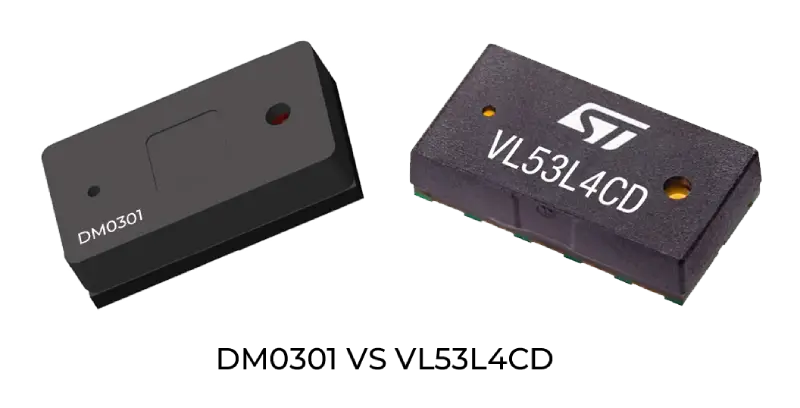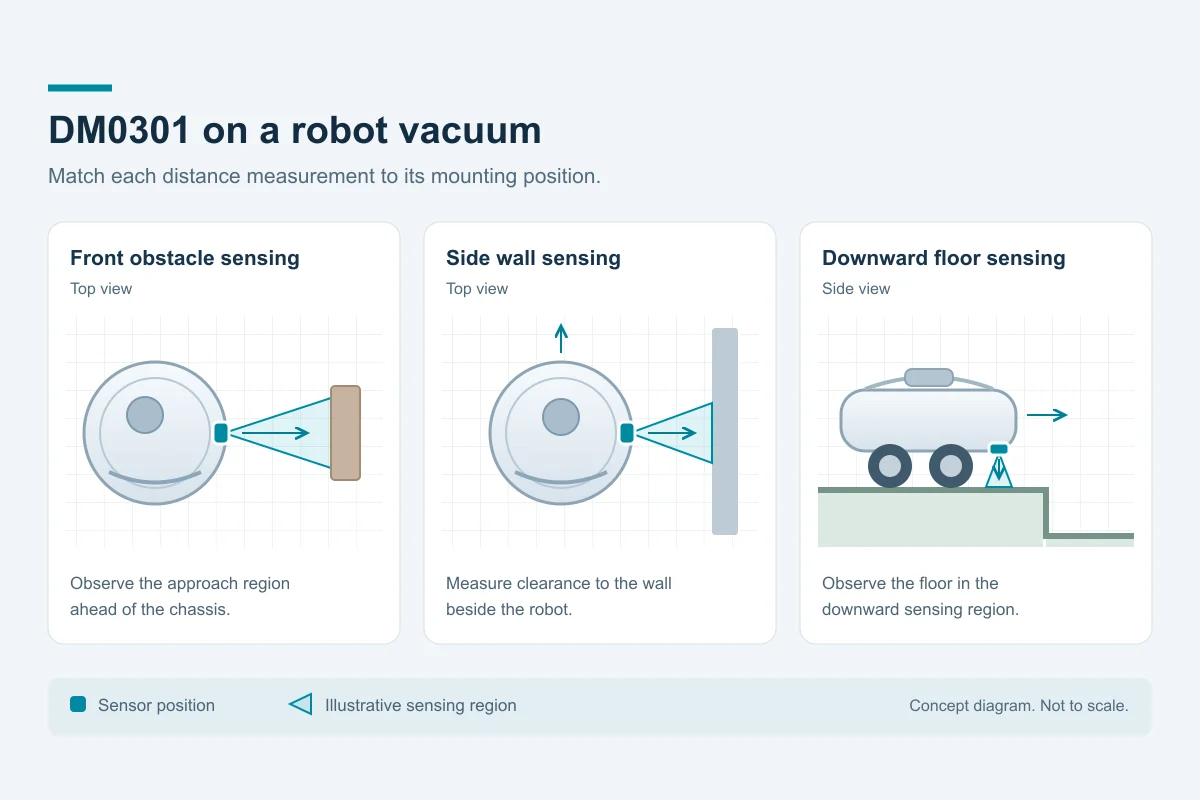
DM0301 supplies single-point distance measurements through I2C for a robot vacuum's local sensing tasks. A front-facing position observes approaching obstacles, a side-facing position measures wall clearance, and a downward-facing position observes the floor near an edge. Plan each sensing position around the part of the scene the controller needs to monitor.
Use the DM0301 product specifications for the sensor configuration and electrical requirements. Our robot vacuum ToF selection guide compares single-point and area-depth routes for the wider sensing system.
Near-field obstacle and wall sensing
Choose a mounting angle and field of view that cover the required obstacle height or side-wall region. Test the nearest relevant targets as well as objects entering from the edge of that view. A floor-level cable and a raised furniture rail present different observation problems, even at the same distance from the chassis.
For wall clearance, relate the measured region to the side of the chassis and the brush position. For a front obstacle, relate it to the robot's approach direction and stopping behavior. Set the controller's response using robot speed, measurement age, processing delay, braking distance and the spread of valid readings on the actual target materials.
Keep object interpretation in the host pipeline. Include cables, fabric, dark objects and transparent surfaces in the evaluation, and record missed observations alongside distance error. Additional sensing inputs may be useful where one position leaves an important part of the scene outside its view.
Cliff and edge detection
A downward-facing sensor provides distance information from its floor region. Plan that region with the chassis height, forward offset and the approach to a floor drop. Keep the floor observation separate from the forward obstacle region and from the navigation map.
Test dark carpet, glossy tile, angled thresholds and transitions between floor materials. Give the host an explicit response for invalid, missing and stale measurements, as well as valid floor readings. Use controlled fixtures with physical containment when checking the complete robot's response at an edge.
Choose trigger and release conditions with enough margin for the installed geometry, sensing delay and stopping behavior. Record the result on each floor type and approach direction; a threshold selected on one surface should be evaluated again on the other surfaces in the intended installation.
Integration checklist
- Record the DM0301 configuration, firmware, host driver and optical assembly with each capture.
- Plan I2C communication, supply and logic levels, initialization, update timing and measurement-status handling for the selected configuration.
- Measure distance error and valid-return rate separately on the actual floor, wall and obstacle materials.
- Include the final cover window, optical isolation, contamination, vibration and nearby emitters in the installed-system checks.
- Measure the interval from a scene change to the host response under the expected controller load, including missing readings and sensor faults.
For the host connection, see our ESP32 and DM0301 integration guide. For measurement planning, use the ToF sensor selection guide.
Plan a DM0301 evaluation
Share the mounting drawing, working distances, floor materials, smallest relevant obstacles, host platform and expected approach speed with us. We can help select a sensing configuration and define the measurements needed for your installation. Discuss your robot vacuum sensing project with DOMI.
FAQs
Where should DM0301 be mounted on a robot vacuum?
Use a front-facing position for approaching obstacles, a side-facing position for wall clearance, or a downward-facing position for the floor near an edge. Select each position around its target region, chassis geometry and the host decision it supports.
What determines the distance at which the robot should respond?
Combine robot speed, the age of the distance measurement, processing delay and measured stopping behavior. Include installation geometry and measurement variation on the actual target surfaces when setting and testing the response.
How should a missing or invalid floor measurement be handled?
Give the host a defined state for missing, invalid and stale data. Evaluate that state with the other installed sensing inputs and the robot's control logic, including tests on dark and glossy floors and controlled edge fixtures.
What should a DM0301 robot vacuum evaluation record?
Record the sensor configuration, firmware, host interface, installation and target materials. Measure distance error, usable readings and the complete response time, then repeat with the final optical cover, contamination, vibration and nearby emitters.