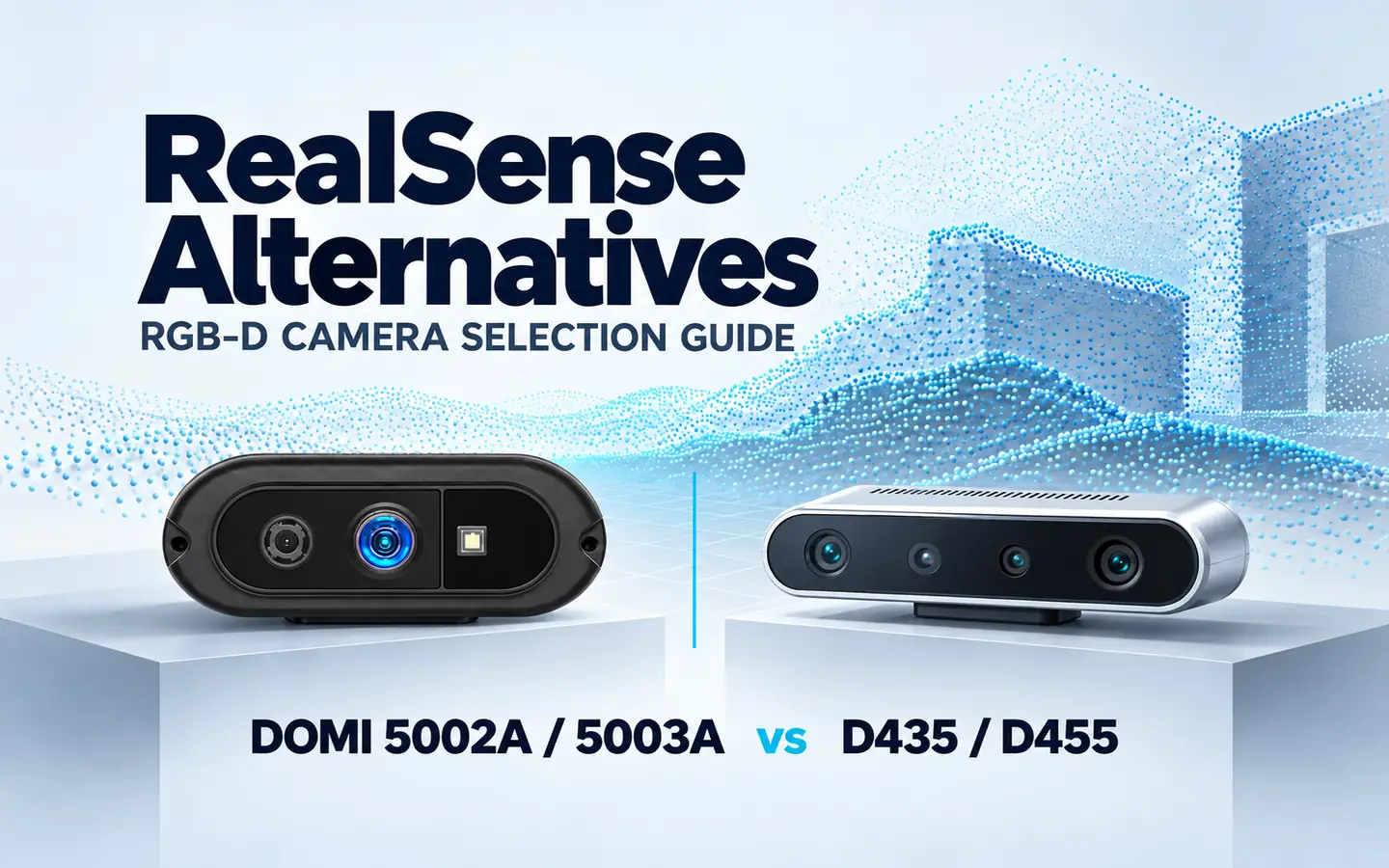
Bring color images and spatial distance information into your vision project with our DM-RGBD5002A and DM-RGBD5003A VGA ToF RGB-D Depth Cameras. Both combine VGA depth sensing with RGB imaging, a 0.2–5 m working range and USB 2.0 connectivity in a compact 79 × 35 × 15.7 mm housing.
For teams exploring an Intel RealSense alternative, these cameras offer a ToF sensing route for robotics, machine vision, object measurement and interactive applications. This guide focuses on RGB-D projects using RealSense D435 or D455 and shows how to plan a DOMI camera configuration around your application and host software.
Bring color and depth into your application
RGB images provide visual appearance, while depth data adds spatial distance information. Use both as inputs to your perception and measurement software, with the camera positioned around the objects and working region that matter to your project.
| Application | How RGB-D data supports the task | Configuration priorities |
|---|---|---|
| Robot perception and docking | Combine visual appearance and distance data to observe objects and docking geometry | Target size, mounting, field of view and processing time |
| Machine vision | Use color detail and spatial measurements when assessing object position, shape and surface orientation | Working region, geometric detail and host processing |
| Parcel and object measurement | Feed depth information into calibrated length, width and height measurement | Object dimensions, materials, calibration and measurement tolerance |
| Interactive terminals and AR/VR | Bring visual and distance information into gesture and scene-processing applications | User position, sensing coverage and interaction timing |
| 3D reconstruction | Combine color images and depth samples as inputs to a reconstruction pipeline | Viewpoints, calibration and scene geometry |
Explore our robotics and AMR applications or RGB-D camera selection guide to connect your sensing task with a camera and integration route.
Compare DOMI and RealSense camera specifications
Use the following specifications to plan image detail, sensing coverage and host connectivity for your project.
| Parameter | DM-RGBD5002A | DM-RGBD5003A | RealSense D435 | RealSense D455 |
|---|---|---|---|---|
| Depth technology | iToF | iToF | Active stereo | Active stereo |
| Depth resolution | Up to 640 × 480 | Up to 640 × 480 | Up to 1280 × 720 | Up to 1280 × 720 |
| Depth frame rate | Up to 25 fps | Up to 25 fps | Up to 90 fps | Up to 90 fps |
| RGB resolution and frame rate | 1280 × 960 at 30 fps | 1280 × 960 at 30 fps | 1920 × 1080 at 30 fps | 1280 × 800 at 30 fps |
| Depth field of view, H × V | 64° × 51° | 64° × 51° | 87° × 58° | 87° × 58° |
| Distance range | 0.2–5 m | 0.2–5 m, indoor / semi-outdoor | 0.3–3 m ideal range | 0.6–6 m ideal range |
| Host interface | USB 2.0 | USB 2.0 | USB 3.1 Gen 1, Type-C | USB 3.1 Gen 1, Type-C |
Resolution and frame rate are separate mode specifications; use the selected stream configuration when planning acquisition and processing. Distance entries retain each model’s working-range or ideal-range description. Build the application evaluation around the actual lighting, target materials and working distances.
Plan image coverage and timing
Our cameras provide a 64° horizontal × 51° vertical depth field of view. Plan camera position and mounting distance around the working region. For an existing D435 or D455 installation, compare the required region with the revised camera view and adjust the installation geometry accordingly.
At a perpendicular plane 2 m from the camera, ideal horizontal coverage is approximately 2.50 m at 64° and 3.80 m at 87°. These geometric estimates use width = 2 × distance × tan(horizontal FOV ÷ 2). Use them for installation planning, then measure usable depth coverage on your scene.
Depth acquisition at up to 25 fps provides the starting point for a DOMI processing pipeline. Include USB transfer, buffering, host processing and application control when planning response time, and measure the complete path on your selected host.
Plan measurement accuracy around the task
DM-RGBD5002A provides 2% depth accuracy in the central 10 × 10-pixel region. DM-RGBD5003A specifies ±2% for the central 10 × 10-pixel region. D435 specifies depth accuracy below 2% at 2 m, while D455 specifies below 2% at 4 m.
Each specification retains its stated measurement scope. For an application comparison, use the same reference targets and working distances, record absolute error and repeatability, and assess the image region used by your software. For object measurement, include the final length, width and height estimates after calibration.
Explore a ToF route for a D435 RGB-D project
When evaluating a D435 alternative, start with the data your application uses. Our VGA ToF RGB-D cameras provide color images and depth information for tasks such as local robot perception, interactive sensing and object measurement.
Map the current detection region to the DOMI depth view, select working distances within the 0.2–5 m range, and plan response timing around the camera and host together. This gives the hardware and software teams a defined configuration to evaluate.
For existing pipelines, identify the camera-specific acquisition calls, calibration access and depth-processing stages. The software migration steps below provide a route for bringing DOMI data into that workflow.
Configure a ToF route for a D455 RGB-D project
For teams exploring a D455 alternative, DM-RGBD5002A and DM-RGBD5003A offer RGB and ToF depth for near-field perception and workspace measurement. Define the required distances, motion and mounting geometry to select an application configuration.
D455 includes an IMU and a global-shutter RGB sensor. For moving platforms, include the project’s inertial inputs, RGB exposure behavior and frame timing in the system integration plan, alongside depth coverage and host processing.
Share the functions your current application uses with us so we can discuss a DOMI camera configuration around the required sensing and software workflow.
Choose your DOMI camera and development route
Both models combine VGA depth, RGB imaging, USB 2.0 connectivity and a compact housing. Start with the outputs and development environment your software uses, then connect those requirements to the model configuration.
DM-RGBD5002A VGA ToF RGB-D Depth Camera
DM-RGBD5002A brings RGB imaging and VGA ToF distance data into robot perception, reconstruction and measurement projects. It supports Windows, Linux, Android and ROS, giving host-based projects a route to integrate color and depth sensing.
Use its 0.2–5 m range and compact dimensions to plan the sensing region and camera placement. Tell us your operating system, processor and framework to discuss the software configuration for your project.
DM-RGBD5003A VGA ToF RGB-D Depth Camera
DM-RGBD5003A provides depth maps, RGB images and X/Y/Z point-cloud output, with depth–RGB registration for relating color information to spatial geometry. These outputs provide inputs for object perception, geometric processing and measurement software.
Development options include C/C++, a Python wrapper, ROS 1 / ROS 2 packages, and OpenCV and PCL compatibility. Plan the software package around your host platform and the image or point-cloud processing your application needs.
Discuss the data outputs, host software, mounting and measurement goals with us to select the model and configuration for your project.
Plan the software migration from RealSense
Moving an existing RealSense project to a DOMI camera involves adapting camera acquisition and camera-specific processing to the selected DOMI package. Use your current application as the starting point and separate the camera interface from the perception or measurement logic.
| Pipeline component | Integration work |
|---|---|
| Device discovery and capture | Adapt camera discovery, stream setup and frame acquisition to the selected DOMI SDK |
| Depth interpretation | Map depth units, formats, invalid-data values and coordinate conventions into the application |
| Calibration and alignment | Use the selected camera’s calibration parameters and RGB-depth mapping in the processing pipeline |
| Timing | Integrate timestamps and frame pairing with the host’s processing and control workflow |
| ROS integration | Adapt topics, message types, coordinate frames and transforms to the package for the selected model |
| Application logic | Adjust measurement thresholds, tracking and handling of interrupted or delayed data using scene tests |
For a pipeline built around pyrealsense2, begin by mapping the capture and processing calls to the new camera interface. Inventory RealSense-specific filters, recording tools and downstream dependencies as part of that work. Keep the application goals consistent while adapting the camera-facing components.
For ROS development, choose the package against the model and host framework. DM-RGBD5002A supports ROS; DM-RGBD5003A offers ROS 1 / ROS 2 integration options. Share your framework and processing needs with us to discuss the package for your configuration.
Understand ToF and stereo depth in your scene
Our cameras use indirect Time-of-Flight sensing, while D435 and D455 use active stereo depth. ToF derives distance from reflected illumination; active stereo derives depth from corresponding features in two views, assisted by projected infrared texture.
Use this technology comparison to plan representative scene tests. Include the objects, materials, distances and lighting that your application encounters, and assess depth coverage, object edges and measurement consistency in the installed configuration.
For a mixed-light location, record illumination and target materials at the near, typical and far working distances. For moving objects, include acquisition timing and host processing in the same evaluation.
Build a focused application evaluation
- Define the task. Set the required working region, target dimensions, measurement tolerance and response time.
- Record the setup. Save camera revision, firmware, software, stream modes, mounting and calibration settings.
- Use representative scenes. Include the actual distances, materials, lighting and motion found in the installation.
- Measure the application result. Record depth error, valid data coverage, end-to-end latency and the final perception or measurement output.
For a direct comparison, use the same reference objects and overlapping measurement region. Also evaluate each installation against the full working region your application needs. Save example RGB and depth frames alongside the settings to make configuration decisions easier to review.
FAQs
Which applications can use DOMI cameras when exploring a RealSense alternative?
DM-RGBD5002A and DM-RGBD5003A provide VGA ToF depth and RGB imaging for robot perception, machine vision, object measurement, reconstruction and interactive projects. Start with your working region, target materials and host software to plan a configuration.
How should I plan camera placement for an existing D435 or D455 project?
Both DOMI models provide a 64° horizontal × 51° vertical depth field of view and a 0.2–5 m range. Use the required sensing region to plan mounting distance, height and tilt, then assess coverage on the actual objects and surfaces.
What software changes are involved in moving from RealSense to DOMI?
Adapt device discovery, acquisition and camera-specific data handling to the selected DOMI software package. Include depth units, calibration, RGB-depth mapping, timestamps and any RealSense-specific dependencies. For ROS projects, plan topics and coordinate frames around the package for the chosen model.
How should I choose between DM-RGBD5002A and DM-RGBD5003A?
Start with your host framework and data needs. DM-RGBD5002A supports Windows, Linux, Android and ROS. DM-RGBD5003A offers point-cloud output, depth–RGB registration and C/C++, Python and ROS 1 / ROS 2 development options. Share your requirements with us to discuss the model and configuration.
Technical resources
- DM-RGBD5002A datasheet, Rev. 1.0, October 10, 2021
- DM-RGBD5003A specifications and development options
- RealSense D435 specifications
- RealSense D455 specifications
- RealSense active stereo documentation
Discuss your RGB-D project with us
Tell us the camera model your project uses, the application, working distances, target materials, lighting and host platform. Include the data outputs and measurement or response goals that guide the design.
Contact our team to discuss a DM-RGBD5002A or DM-RGBD5003A configuration for your project.