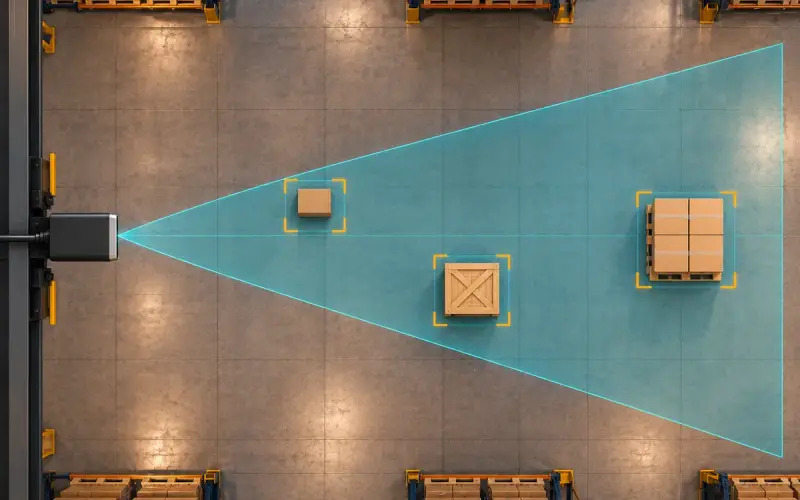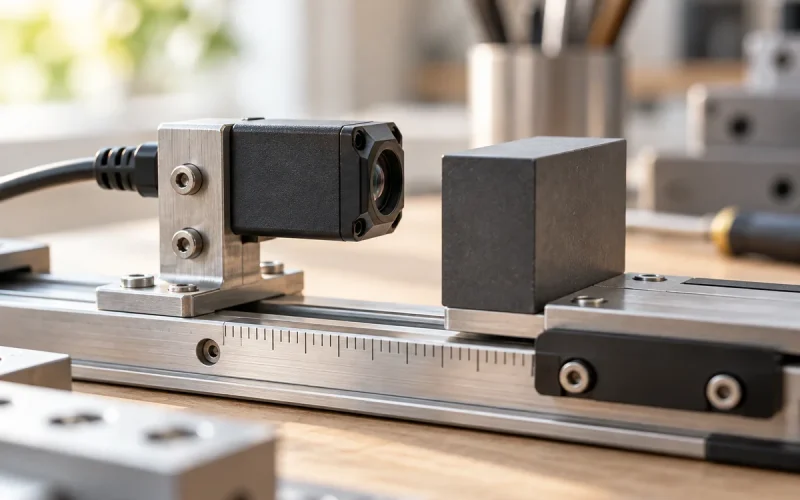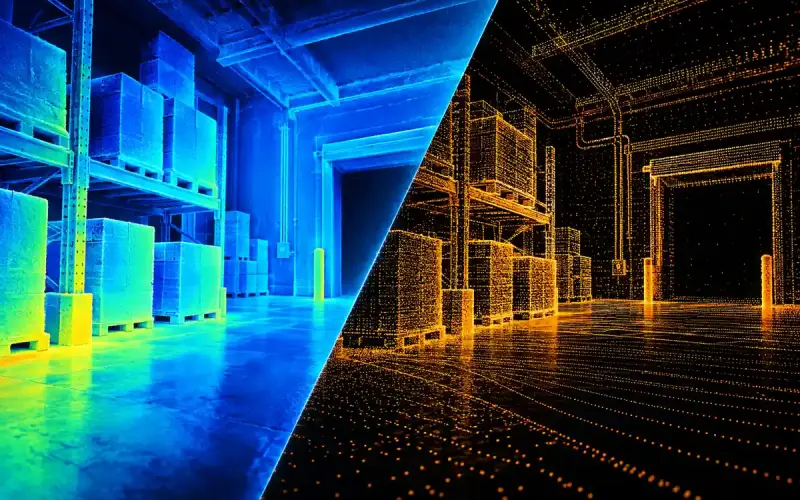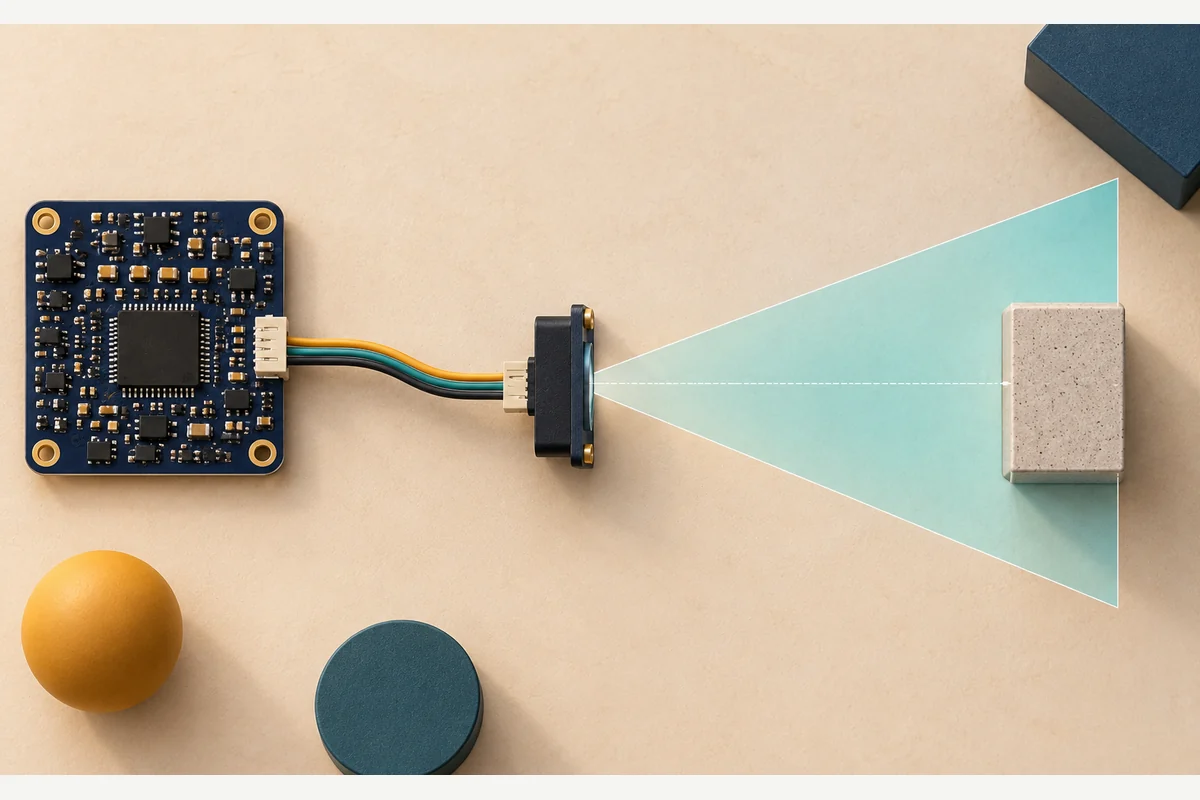
Choose a ToF sensor by deciding what distance information your application needs. A single-point sensor can report proximity or a range to a target region. A multi-zone sensor adds spatial separation, while an imaging array supplies a depth view across the scene. The output format should match the decision your software needs to make.
DOMI's ToF sensor range and camera modules provide different starting points for embedded distance measurement and depth perception. Work from the measurement task to the device, then review the host connection and installation.
Choose one distance, several zones or a depth image
| Required information | Sensor format to evaluate | Example engineering question |
|---|---|---|
| Distance within one measurement region | Single-point or single-zone ranging | Is an object inside the trigger distance? |
| Relative distances in several scene regions | Multi-zone ranging | Which region contains the approaching object? |
| Spatial depth across many image locations | Depth camera or array module | Where are the surfaces and edges needed by the algorithm? |
Single-point and single-zone product names do not establish a zero-width measurement beam. Check the actual field of view, target size and how the device handles several returns inside that region. A multi-zone ToF sensor also needs its zone layout and output behavior reviewed; the zone count alone does not describe every useful target detail.
For DOMI evaluation, DM0301 is a single-point dToF option with an I2C host connection. DMAS2M001 provides array dToF sensing for projects that need spatial information. Choose between these measurement formats before comparing individual range figures.
Read the operating range with its test conditions
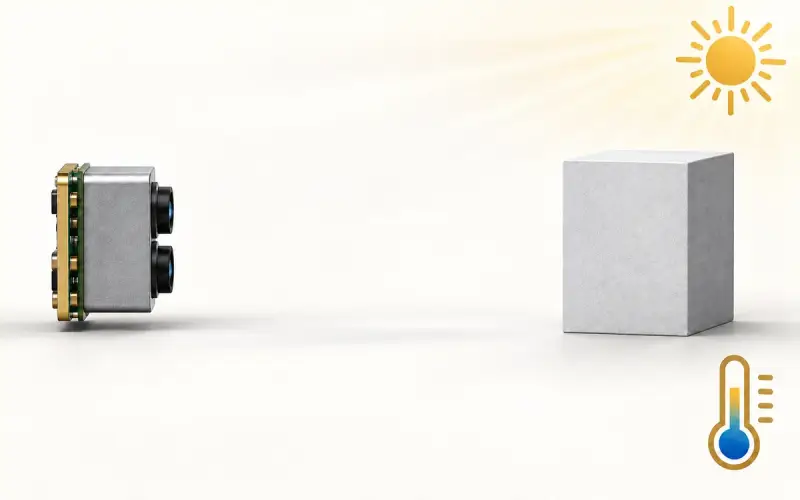
Define both the nearest and farthest targets. Include the darkest material, a small or partly visible object and the expected angle of incidence. Compare the stated target and ambient conditions with your installation.
Useful sensor specifications include the error definition, repeatability, valid-return behavior and update mode. Accuracy describes closeness to a reference; repeatability describes the spread of repeated readings. A stable set of readings can still contain an offset, so record both when evaluating a device.
The short-distance sensor guide compares measurement tasks and alternative methods. Use the depth accuracy guide when planning measurements across an image or region.
Match field of view to the target
A sensor's field of view determines which part of the scene can contribute to the measurement. A small object may occupy only part of that region, leaving a background surface to contribute another return. Check this geometry at both ends of the working range.
Mounting position, an optical cover and a nearby enclosure wall can also change the light reaching the receiver. Evaluate the sensor after it is installed behind the intended cover, including the separation between its optical paths and surrounding surfaces.
Compare sampling, timing and power in the same mode
The host usually needs a useful measurement by a particular time. Identify the sensing interval, measurement duration, reporting cadence and application processing delay. A nominal update-rate figure does not, on its own, describe the time from a target change to the host's decision.
Compare current or power in the actual ranging and idle modes you plan to use. A lower reporting rate, longer integration or different zone layout can change the power and timing trade-off. For a battery-powered product, include the host and any processing that remains awake between measurements.
Check what a complete multi-zone frame contains
A multi-zone ToF sensor needs a spatial and timing definition: zone layout, reported targets per zone, status information and the acquisition sequence behind a reported frame. Several distances in one zone describe multiple returns; several zones describe different parts of the view. Software needs to know which of these the output represents.
Keep the mode beside each headline number. For example, the continuous-mode performance tables in ST’s VL53L5CX datasheet DS13754 Rev 13 include 8×8 measurements at 15 Hz, while the feature list also advertises 60 Hz capability. Those figures are a datasheet-reading example, not DOMI specifications or permission to combine maxima from different modes.
If a target crosses the field of view, establish whether all required regions describe the same acquisition interval or a sequence of observations. Then check the complete frame interval, host transfer and decision delay. Record those details with the chosen output mode instead of treating zone count as an image-quality or response-time guarantee.
Using ToF to wake a smart lock or other device
A proximity measurement can provide a trigger for waking a separate processor or recognition module. In this arrangement, the ToF sensor supplies the distance information; the main system performs the authentication or other application function.
Choose the trigger region, sampling interval and wake logic around the expected approach. Include background objects and people passing outside the intended interaction area in testing. Calculate the complete power budget from the sensing duty cycle, false wakes and active processing period.
These conditions determine whether proximity sensing helps the final power budget. For a specific smart-lock design, share its installation geometry and wake requirements with us so that the device and application logic can be evaluated together.
Review the host interface and software work
Confirm the physical connection, supply and logic levels, initialization sequence, available measurement modes and error handling for the exact sensor. Include how the host recognizes invalid or out-of-range results and what it should do when the sensor is unavailable.
For a replacement design, compare pin assignments and power first, then review registers, driver behavior and calibration. A matching package or connector leaves those software and measurement details to be addressed in the integration plan.
We can help select a device around the information your host needs. Send your working distances, target description, coverage, update requirement and host interface through DOMI's contact page.
FAQs
Which ToF sensor parameters should I compare first?
Compare the measurement output, useful operating range and field of view first. Then check timing, error and repeatability under matched conditions, power in the intended mode, host interface and mechanical requirements.
When is a multi-zone ToF sensor useful?
Multiple zones are useful when the position of a return within the field of view matters, such as distinguishing regions of an approaching object. For one trigger distance, single-point ranging may be enough. For detailed spatial geometry, compare an imaging array and the data your algorithm actually needs.
Can a ToF proximity sensor support a smart-lock wake function?
A suitable sensor can supply proximity information to the wake logic. Evaluate the trigger geometry, reporting interval and power of the complete wake and recognition sequence. The recognition function belongs to the application system.