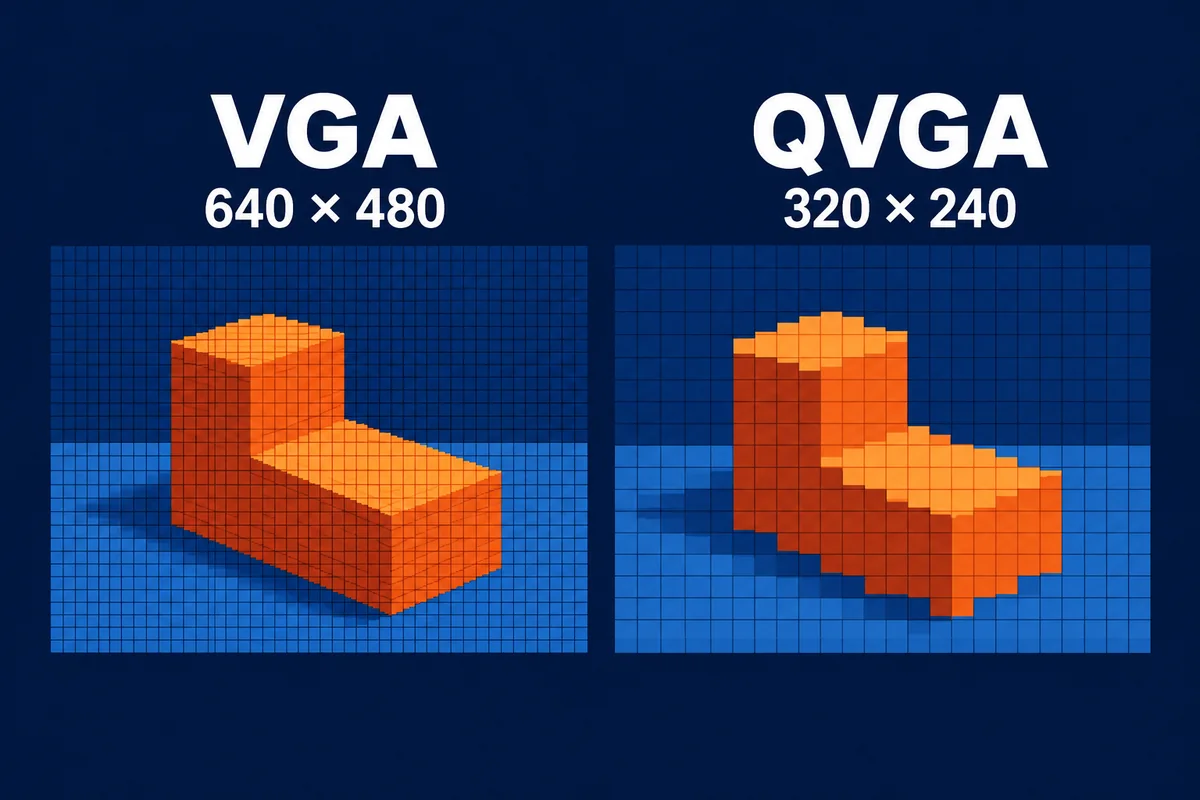
VGA provides a 640 × 480 image grid, while QVGA provides 320 × 240. For a ToF depth image, VGA has four times as many spatial sample positions. That additional sampling can help describe smaller features when the optics, field of view and usable depth quality support the task.
Choosing a VGA or QVGA ToF sensor starts with the scene your application needs to measure. Compare the smallest relevant target, its distance, the area to cover and the host data path. Depth accuracy and working range depend on the complete camera configuration and measurement conditions.
VGA and QVGA resolutions at a glance
| Property | VGA | QVGA |
|---|---|---|
| Image width × height | 640 × 480 | 320 × 240 |
| Total spatial sample positions | 307,200 | 76,800 |
| Relative sample count | 4 | 1 |
| Depth payload at the same frame rate, bit depth and format | Four times the QVGA depth payload | Reference payload |
| Working range and distance error | Defined by the specific camera and configuration | Defined by the specific camera and configuration |
The payload ratio is a calculation from the pixel counts. Additional RGB or IR streams, confidence data, packing and transport overhead change the total interface requirement.
Spatial sampling and depth accuracy answer different questions
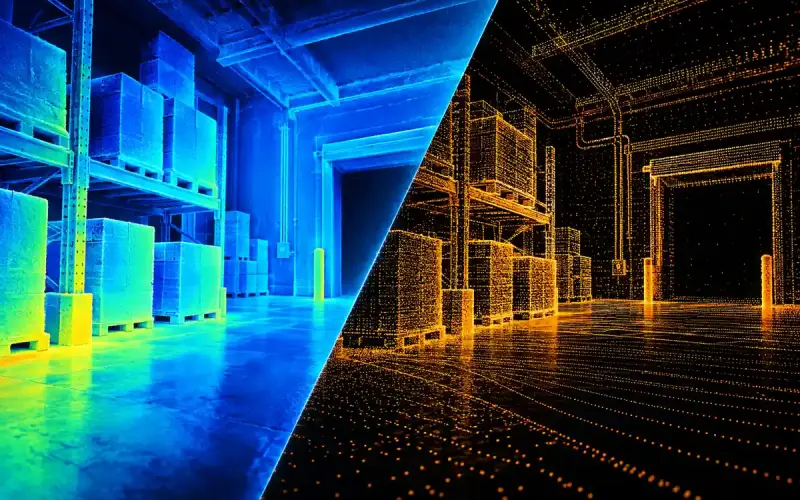
Spatial sampling describes where the camera measures within its field of view. With the same field of view, a denser image grid provides more sample positions across a target. Lens performance, object boundaries and invalid depth readings also affect how much of that detail is useful.
Depth accuracy describes agreement with a distance reference. Repeatability describes variation across repeated readings. A camera can offer a dense image grid while the required target still produces uncertain or invalid depth at some locations. Evaluate spatial coverage and distance performance together.
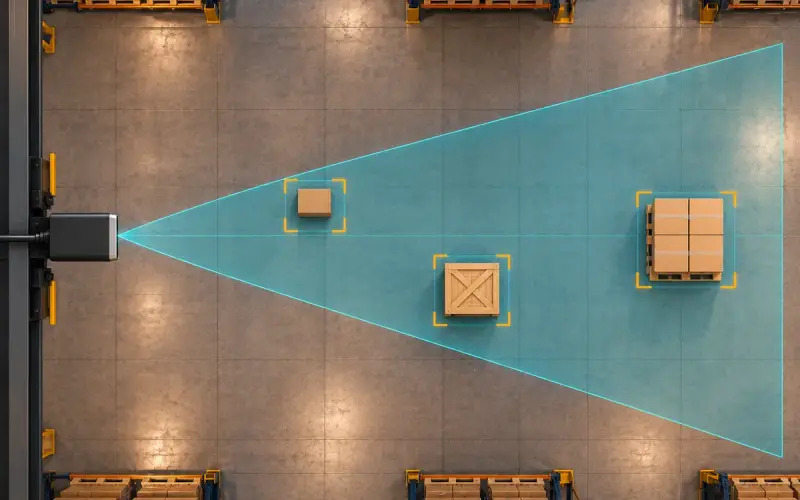
For a small component or narrow obstacle, record how many valid samples fall on the target at the intended distance. A wide field of view and a narrow field of view distribute the same pixel count over different areas. Resolution is therefore most useful when read alongside the camera's optics and mounting geometry.
What pixel count does not tell you
VGA and QVGA specify image dimensions. Pixel pitch and sensor area are separate specifications. To compare light collection, examine the actual sensor design, optical aperture, spectral sensitivity and illumination configuration.
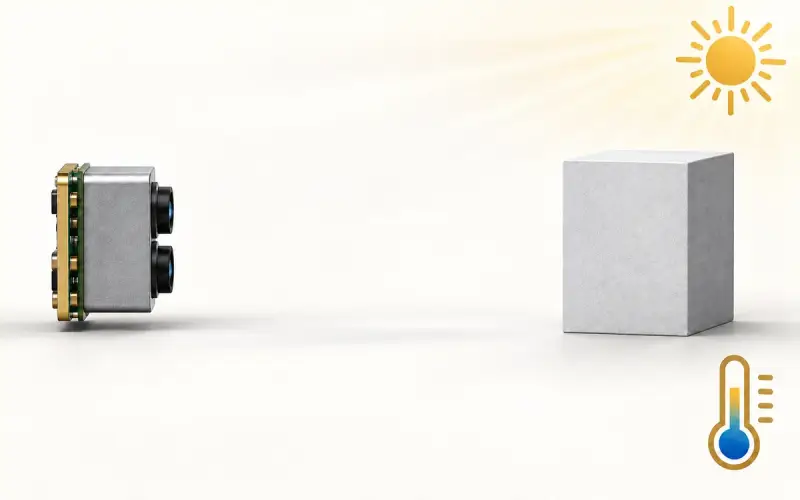
ToF depth quality also depends on acquisition settings and processing. In phase-based systems, modulation and integration time contribute to the measurement. Illumination power, receiver filtering, target reflectivity and ambient light affect the available signal. Frame rate and motion belong in the same evaluation.
These factors explain why a universal distance boundary between VGA and QVGA is not useful for selection. Choose from the working distance and measured performance of the actual configuration, then assess whether its spatial sampling meets the task.
Compare camera configurations under the same conditions
Use a shared evaluation record for each candidate:
- Working interval and target size at the installed camera position.
- Field of view and the image region required by the application.
- Target material, reflectivity, angle and nearby background surfaces.
- Ambient illumination, temperature and the intended protective window.
- Frame rate, acquisition settings, data formats and host processing.
- Reference error, repeatability and the fraction of required samples that provide usable depth.
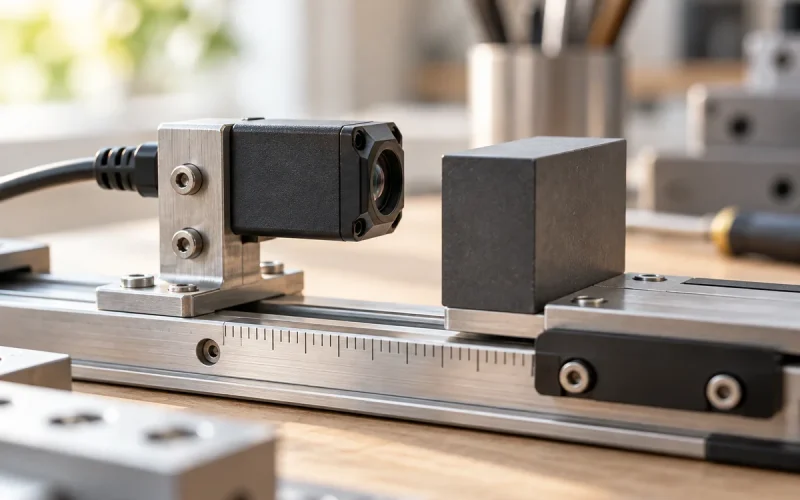
For moving scenes, include the acquisition timing and application latency. The ToF accuracy testing guide gives a method for organizing distance measurements and reporting usable readings.
Estimate the depth data rate before choosing a host interface
For an unpacked stream, depth payload per second is image width × image height × bytes per sample × frames per second. As an illustrative 16-bit, 30 fps calculation, VGA requires 640 × 480 × 2 × 30 = 18,432,000 bytes/s, or 18.432 MB/s. QVGA requires 4,608,000 bytes/s, or 4.608 MB/s. MB here means 1,000,000 bytes.
These are calculated depth payloads, not measured link rates for the DOMI products below. Add RGB, IR, quality fields, packet overhead and buffering for the actual configuration. Host-side conversion to floating-point coordinates adds memory traffic and processing beyond the received depth stream.
When choosing resolution, combine this data budget with the target footprint calculation in the ToF camera selection guide. Four times as many samples is useful when they resolve required geometry and the host can process them within the application timing. VGA and QVGA labels do not establish pixel pitch, range or per-pixel distance error.
DOMI VGA and QVGA integration options
| Model | Depth resolution | Integration route | Specified working-distance configuration |
|---|---|---|---|
| DM-PS2601-VGA | 640 × 480 | Ethernet TCP camera with onboard people-counting processing | 0.3–5 m |
| DMOM2808D | 320 × 240 | Two-lane MIPI CSI-2 module for embedded depth integration | 0.25–4.5 m |
| DM5005A | 320 × 240 | USB 2.0 / UVC depth camera | 940 nm: 0.2–2 m; 850 nm: 0.3–5 m |
These options serve different integration needs. An Ethernet camera with application processing, a MIPI module and a USB camera place different responsibilities on the host. Use the model-specific configuration and evaluate depth on your targets before comparing application performance.
For projects that also need color, our RGB-D camera range combines RGB imaging with VGA ToF depth sensing. Share the target size, working distance, coverage and host interface with us to discuss a suitable route.
FAQs
What is the difference between VGA and QVGA resolution?
VGA is 640 × 480, or 307,200 image positions. QVGA is 320 × 240, or 76,800. VGA therefore has four times the spatial sample count. In a ToF camera, the usefulness of those samples depends on the field of view, optics and valid depth coverage.
How should I compare depth accuracy between resolutions?
Compare the specific cameras against the same distance reference, target surfaces and environmental conditions. Record the acquisition settings and usable depth coverage. Resolution describes the image grid; the error measurements establish performance for the task.
What determines a ToF camera’s working range?
The sensor, illumination, optics, acquisition settings and processing all contribute to working range. Target reflectivity, ambient light and installation also affect usable depth. Use the model's specified configuration and test across the interval your project needs.
How should I compare modules with different fields of view?
Calculate or measure how much of the target each camera covers at the installed distance. Then inspect how many valid depth samples describe the required features. Compare that coverage together with reference error, frame timing and the host data requirement.