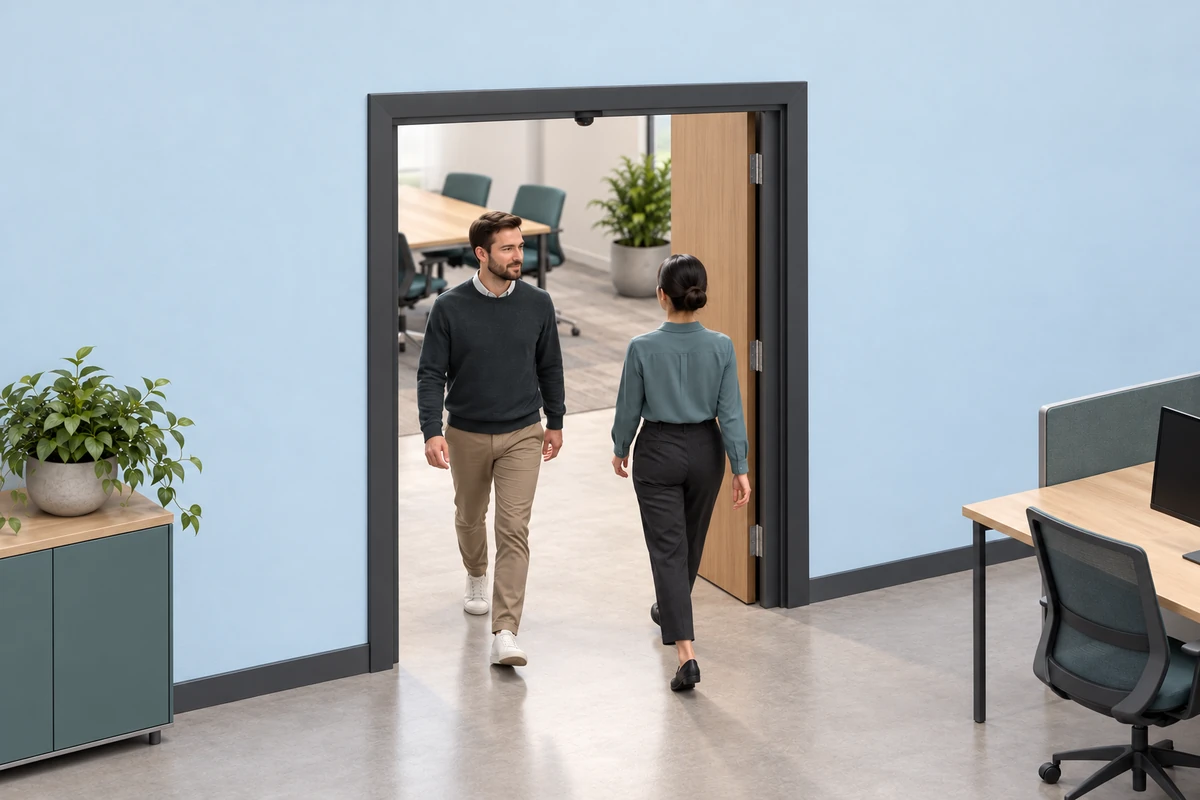
A ToF people-counting system uses depth geometry and tracking to turn movement through a monitored passage into entry and exit events. DOMI provides an Ethernet camera with onboard people-counting processing, as well as depth and RGB-D cameras for teams developing their own tracking pipeline.
Select the camera around the passage geometry and the result your host needs. Door width, mounting height, crossing behavior and installation obstructions determine whether the system can observe a complete event.
Define entry, exit and the counting region
Draw the monitored region and the boundary used to count a person. State which direction is entry and which is exit, and define when an event becomes complete. A person approaching the line and turning back should be treated according to that rule, rather than counted from a brief detection alone.
Counting anonymous crossings can use depth shape and motion without identifying a face. If RGB images, person identifiers or stored trajectories are included, define access and retention around the information actually collected. Depth-only operation can reduce visual detail, while privacy still depends on the complete data workflow.
An entry/exit count and current room occupancy are different outputs. A running occupancy estimate needs an initial value, all relevant entrances and a reset or reconciliation method. Missed crossings can accumulate, and people already inside at startup need a defined treatment.
Calculate doorway coverage at the relevant height
For an overhead camera looking perpendicular to a horizontal plane, an initial width estimate is:
coverage width = 2 × camera-to-plane distance × tan(horizontal FOV / 2)
Use the distance to the part of the person that the algorithm tracks, as well as the floor distance. For an illustrative layout, a camera 3.0 m above the floor and a head plane 1.7 m above the floor leave 1.3 m of separation. A 120° horizontal FOV gives an ideal width of about 4.50 m at that head plane. A 90° vertical FOV gives about 2.60 m in the other direction.
These are geometric estimates for the stated orientation, not an approved doorway width or installation height. Lens calibration, edge quality, slant distance, obstructions and the tracking algorithm determine the usable region. With a tilted camera, calculate the projected region in the installed geometry instead of using the overhead formula directly.
Allow space before and after the counting boundary so the tracker can establish motion direction. Check door leaves, signs and overhead fixtures. A wide floor footprint can still leave insufficient tracking space at head height. For resolution tradeoffs, see VGA and QVGA ToF sensing.
Choose processed counts or host-side tracking
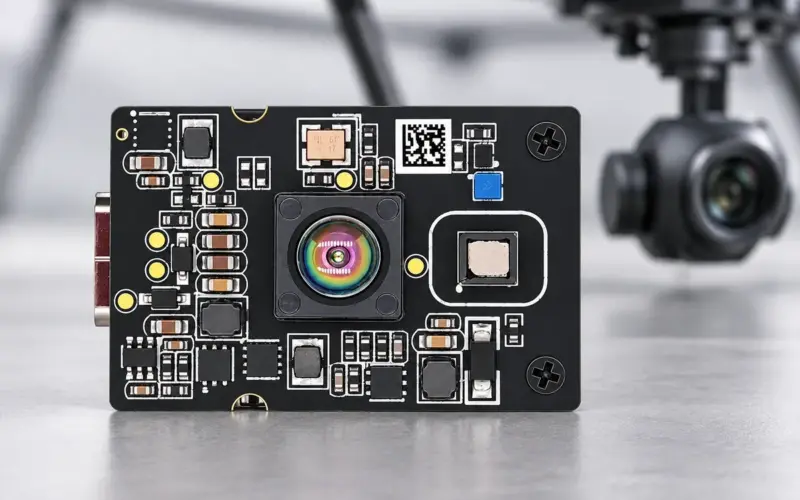
DM-PS2601-VGA combines 640 × 480 depth imaging at 30 fps with onboard Linux processing. It provides count, coordinate, height and movement-trail outputs through TCP over Ethernet. Its specified 120° H × 90° V FOV and 0.3-5 m working distance are starting points for installation planning. Define the required event fields and interface behavior around the selected firmware when integrating it with your host.
For a custom algorithm, DM-RGBD5003A VGA ToF RGB-D Depth Camera provides USB 2.0 acquisition, depth up to 640 × 480 at 25 fps and RGB data. Its 64° H × 51° V depth FOV requires its own coverage calculation. RGB can be selected when the application needs appearance information; anonymous crossing counts can be developed around depth data.
DMOM2508CL provides a compact embedded route with 320 × 240 sensing, 10-30 fps, 2-lane MIPI CSI-2 and a 0.2-2 m range. In an overhead design, compare that range with the camera-to-person and camera-to-reference distances. Include host capture, depth processing and tracking in the embedded architecture.
Validate temporal events against manual ground truth
Record a reference event log with timestamps and direction labels. Match system events to reference events within a declared time tolerance and direction rule. Keep the test record long enough to include track establishment, the crossing and any return motion.
| Reference scene | Example event rule to test | What to record |
|---|---|---|
| One person crosses into the area | One entry after a completed crossing | Miss, duplicate, wrong direction and event delay |
| One person crosses out | One exit | Direction agreement and event delay |
| A person approaches and turns back before completing the crossing | No completed crossing | False events and broken tracks |
| Two people cross together or in opposite directions | One event per completed person crossing | Track separation, misses and direction assignment |
| A person pauses or reverses after a completed entry | Count the completed entry and any later completed exit | Repeated counts, timing and rule consistency |
| A person pushes a cart or carries a large bag | Count the person under the declared counting policy | Object confusion, occlusion and track continuity |
The table defines an example acceptance policy, not a product test result. Include children, varied clothing, luggage, changing sunlight and busy periods in the actual scene set. Identify ambiguous reference events separately so reviewers can resolve them consistently.
Report correctly matched events, missed events, extra events and wrong-direction events by scene. Declare whether a wrong-direction result is reported separately or contributes to both a missed and an extra directional event. Two opposite errors can cancel in a daily total, so compare event-level results as well as totals.
Plan operation and maintenance
Record the mounting height, tilt, counting boundary, firmware version and configuration used for acceptance. Include network interruptions, buffered or retransmitted events, host restarts and counter resets in integration testing. Use identifiers or another agreed reconciliation method to prevent a retried message from becoming a second business event.
For occupancy estimates, document the initial state and reconcile all entrances. Repeat validation after a camera is moved, the doorway layout changes or firmware changes its tracking behavior. Our people-counting and footfall solution covers the system integration path.
Send us a passage drawing, mounting positions, expected flow and the outputs your software needs. We can help compare an Ethernet counting camera with a custom depth-processing route through our engineering contact.
FAQs
How does people-counting camera mounting height affect coverage?
Height changes the distance from the camera to the tracked body region, which changes coverage and sampling. Calculate the region at relevant person heights, check space on both sides of the counting boundary and test the actual mounting angle.
What does a bidirectional people-counting sensor need to observe?
It needs enough of each trajectory to distinguish a completed crossing and its direction. Crossing paths, pauses and reversals should be included in the event rules and validation set.
Does ToF people counting require facial recognition?
Anonymous crossing counts can use depth geometry and movement without face identification. Choose RGB collection and retention separately when another application requires appearance information.
How do I compare count output with raw-depth processing?
Processed counts move event generation onto the camera and require an agreed event protocol. A host-depth route gives the development team control of tracking and event rules, with host compute, calibration and algorithm validation included in the project.