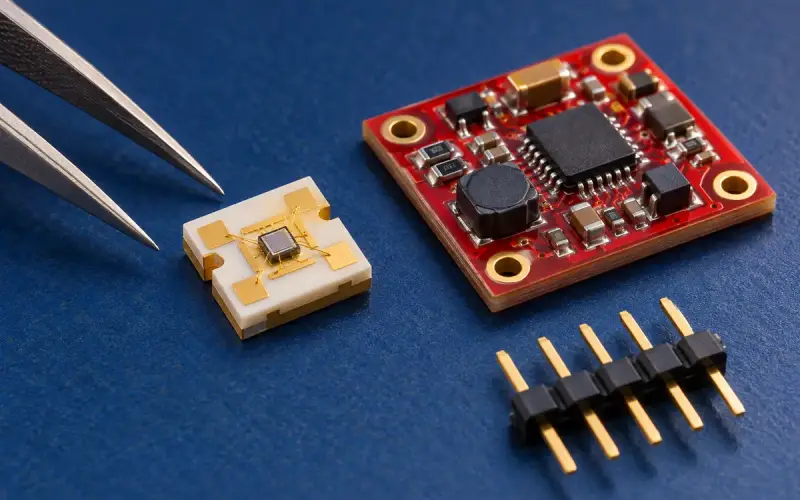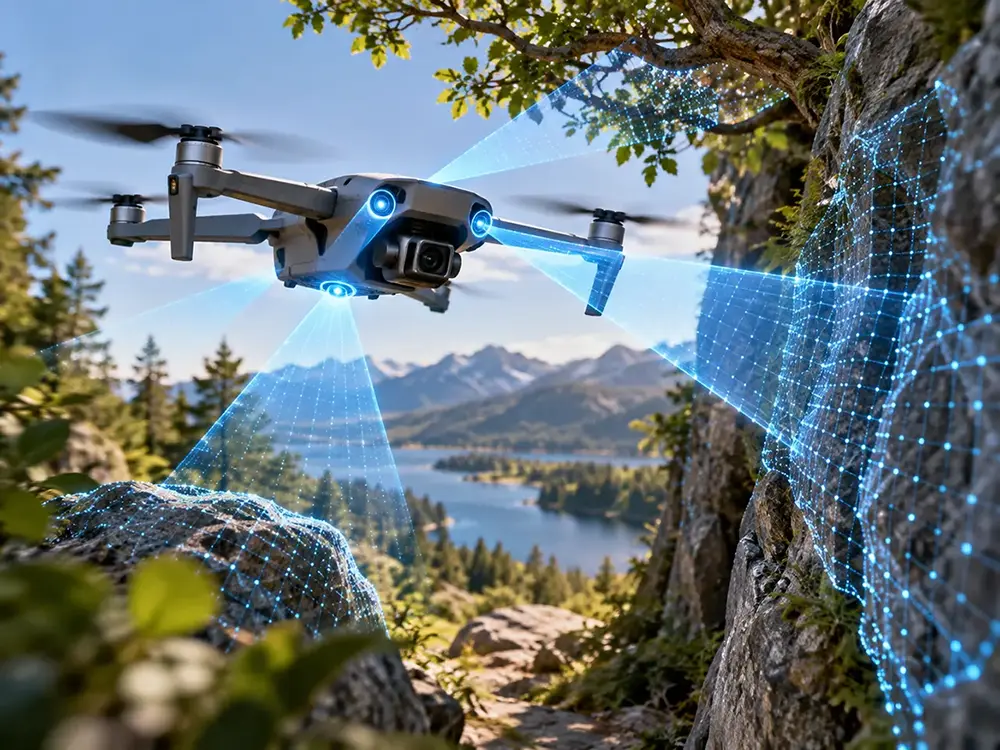
Give your UAV the distance information it needs for ground sensing, nearby obstacle observation or landing-area assessment. Choose a Time-of-Flight sensor or camera by the decision your application needs to make, then match its working range, spatial coverage, update timing and host integration to that task.
We offer ToF modules and RGB-D cameras for projects that use distance and depth information. This guide helps you choose between point ranging and area depth, plan the installed configuration and evaluate a compact dToF option for your drone.
Start with your UAV sensing task
| Task | Information your application needs | What to prioritize |
|---|---|---|
| Downward distance sensing | Distance to a selected ground region | Working height, surfaces, mounting angle and attitude compensation |
| Nearby obstacle perception | Depth across the direction of travel | Smallest target, field of view, spatial sampling and response time |
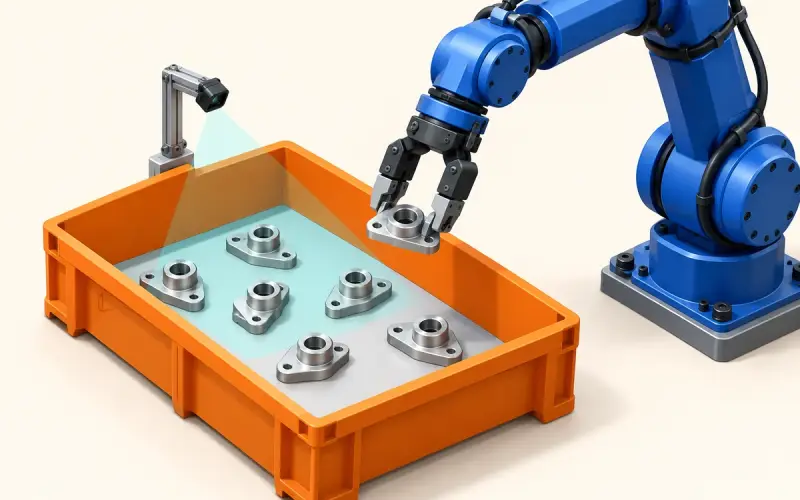
| Landing-area assessment | Surface shape within a selected area | Depth detail, ground-region selection and host processing |
| Close-range inspection | Target geometry, with color when useful | Coverage, calibration, measurement tolerance and image processing |
A drone altitude sensor and a forward depth camera serve different measurement tasks. For downward sensing, begin with the ground region and height envelope. For obstacle perception, begin with the objects and directions your application needs to observe.
Choose point ranging or area depth
A point-distance sensor provides a measurement for its sensing region. This route fits projects that need distance to a selected surface and a focused data-processing path. Include its field of view and target-selection behavior when choosing the mounting direction.
An area depth sensor samples multiple positions across its field of view. Those samples let your application select ground regions, examine nearby object distribution or process surface geometry. A ToF camera for drones is useful when the application benefits from that spatial information.
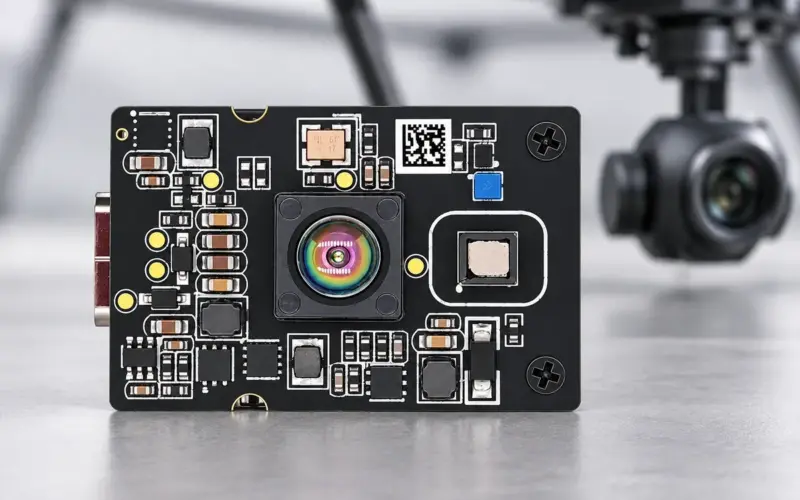
If visual appearance also matters, an RGB-D camera brings color and depth into the same host-based project. Explore our ToF camera modules and RGB-D cameras to compare hardware routes.
Select a drone altitude sensor for downward sensing
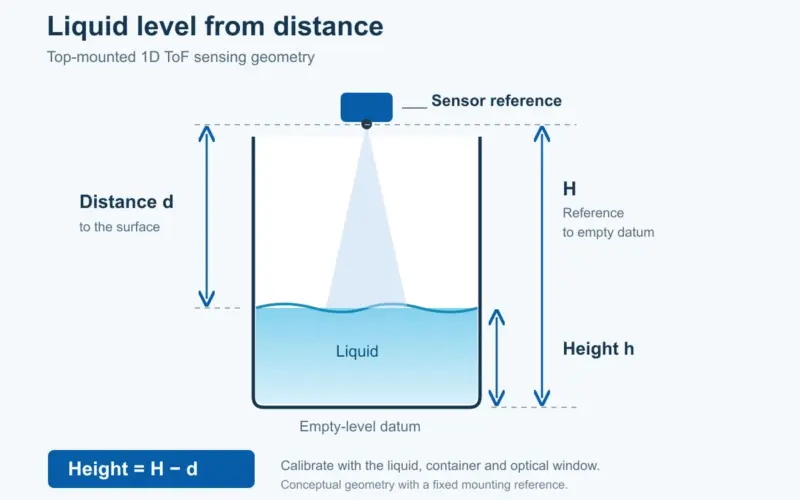
Plan the nearest and farthest ground distances, the surfaces below the aircraft and the viewing angle during the intended motion. Select a working range that covers those conditions, with mounting that keeps the measurement region in view.
For a flat horizontal surface, a single ray-distance measurement taken at an angle theta from vertical gives a vertical component of distance × cos(theta). This geometry applies when the sensor reports distance along that ray. Area depth processing uses the camera’s calibrated distance convention, selected pixels and aircraft attitude to calculate the relevant ground distance. Relate the sensor position to the aircraft reference point when calculating aircraft height.
Use representative surfaces such as concrete, soil or vegetation when they occur in your application. Record depth error and valid data coverage at the planned distances and angles to define the sensing region for your prototype.
Match obstacle sensing to coverage and response time
Selecting drone obstacle avoidance sensors starts with the detection zone and the smallest relevant object. Choose field of view and spatial sampling together so your application has useful depth information where it needs to observe obstacles.
For example, a 60° horizontal field of view covers approximately 4.6 m on a plane perpendicular to the optical axis at a distance of 4 m. The geometric calculation is 2 × 4 × tan(30°). Across a 40-column array, that width corresponds to an average planning width of about 115 mm per column. This is an idealized geometry estimate; evaluate target visibility using calibrated pixel directions, confidence and representative object shapes.
Include the sensor position and aircraft attitude in that plan. Keep the sensing region clear of the aircraft body and consider how the camera’s coverage meets the next observation zone. Test narrow objects and mixed foreground/background regions when they are relevant to the task.
Depth measurements supply the perception stage of an obstacle-response pipeline. Your host software interprets those measurements, while planning and flight control determine the vehicle’s response. Define the required output between these stages, such as obstacle distance, position or a selected ground region.
Connect update timing to motion
DMAS2M001 operates at 10 fps, giving a nominal 100 ms interval between frames. In a calculated example, an aircraft moving at 2 m/s travels 0.2 m during that interval. This illustrates the relationship between update timing and motion, rather than a qualified flight speed.
Plan the response budget across acquisition, transfer, buffering, host processing and control. Measure the age of the depth data when your application uses it, and include the vehicle’s response and required clearance when choosing the observation distance.
Choose range for your surfaces and lighting
A useful range specification includes target and illumination conditions. Match those conditions to the surfaces, light levels, angles and camera mode in your project.
Our DMAS2M001 dToF module provides a 0.2–8 m range for 10%–90% target reflectivity at 30 klux. Use these conditions as a starting point for an evaluation with your ground materials or nearby objects.
For your prototype, measure the required distances under representative lighting and motion. Evaluate measurement error and valid depth coverage together to select the working envelope for the task. Include the final optical window and any other active depth sensors that share the scene in this evaluation.
Plan the host and flight-controller data path
Choose the interface around the data your application needs and the host that will process it.
| Hardware route | Integration plan |
|---|---|
| Point-distance sensor | Distance units, target-selection behavior, sensing direction, interface and timing |
| Area dToF module | Depth and confidence decoding, region selection, coordinates and host software |
| MIPI ToF module | CSI-2 capture, driver, depth processing, calibration and carrier-board design |
| USB RGB-D camera | Host capture software, color/depth formats, calibration and stream timing |
Plan the sensor, host processing and flight-controller data path together. Depending on the task, the host can process a ground region or obstacle distances into the input required by the flight application. Include timestamps, units, sensor orientation and confidence handling in that interface plan.
Share your host and flight-controller platform with us to discuss the module and software configuration for your prototype. For a moving mount, use our UAV gimbal integration guide for coordinate transforms, time alignment and mechanical integration.
Balance installed weight, power and space
DMAS2M001 offers area distance information in a 35.5 × 25 × 16 mm casing weighing 7 g, with approximately 1 W module power consumption. This compact format helps teams plan a depth-sensing position within the available payload space.
Compare the complete installed configuration, including the sensor, carrier or adapter, cables, bracket, power conversion and host processing. The module’s 5 V / 1 A supply specification describes the power-supply requirement; approximately 1 W describes module power consumption. Use measured startup, peak and operating demand to size the installed supply and energy budget.
Plan power delivery and thermal placement alongside camera mounting. Keep the receive aperture and illumination path clear, and assess window reflections, vibration and cable routing in the final assembly.
Explore a compact area dToF option
DMAS2M001 combines a 40 × 30 SPAD dToF array with depth, point-cloud and confidence outputs. The array provides spatial distance samples for selecting a ground region or observing nearby objects, with a host processing path matched to your UAV task.
| Selection factor | DMAS2M001 specification |
|---|---|
| Depth array | 40 × 30 |
| Frame rate | 10 fps |
| Field of view | 60° horizontal × 45° vertical |
| Working range | 0.2–8 m at 30 klux, 10%–90% target reflectivity |
| Dimensions with casing | 35.5 × 25 × 16 mm |
| Weight | 7 g |
| Module power consumption | Approximately 1 W |
| Supply | 5 V / 1 A |
| Physical interface options | USB-C / FPC |
| Output data | Depth, point cloud and confidence |
Use the DMAS2M001 robotics and UAV guide for model-specific application planning. The product page provides the full specifications and integration information. Select the connector, protocol and stream configuration around the host design for your build.
Evaluate the installed configuration
| Evaluation step | What to record |
|---|---|
| Define the task envelope | Near/far distances, target size, surfaces, illumination, viewing angles and motion |
| Fix the configuration | Module, hardware/firmware versions, settings, window, mount and host software |
| Measure static performance | Depth error against a reference, repeatability and valid coverage by distance and surface |
| Exercise motion and timing | Data age at the application input, timestamp alignment and coverage during attitude changes |
| Measure the installed load | Sensor and host power, startup demand, assembly weight and thermal behavior |
| Exercise data-quality changes | Low-confidence, out-of-range, missing frames and the application’s response |
Use these results to define the working envelope for the sensing task. Begin with a controlled bench or ground setup, then progress through your vehicle team’s staged integration process. Keep module measurements and vehicle-level results separate in the evaluation record.
Frequently asked questions
How should I choose the range of a UAV distance sensor?
Start with the near and far distances for the task, then include materials, lighting, viewing angle and response timing. For forward observation, relate sensing distance to motion and the complete application response. For downward sensing, plan the ground-distance and attitude envelope.
When is an area depth camera useful for a drone?
An area depth camera provides multiple spatial samples for selecting a ground region, observing nearby objects or processing surface shape. Choose field of view and resolution around the region and smallest features your application needs to examine.
How do ToF and LiDAR relate in drone sensing?
Time-of-Flight describes a distance-measurement principle. Many LiDAR sensors use that principle. Compare actual hardware routes, such as point ranging, scanning or area depth, by their coverage, outputs, timing and integration requirements.
What should I plan when using depth data with a flight controller?
Plan the path from sensor output through host processing to the input used by the flight application. Include the message format, units, timestamps, mounting orientation and behavior when data changes in quality or availability. Depth sensing supplies measurements; host processing, planning and flight control use them to determine the response.
What information helps us recommend a ToF configuration?
Tell us whether the sensor faces downward or observes nearby obstacles. Share your working distance, smallest target, motion, lighting, materials, host platform and available mounting space. Add the measurement tolerance or observation requirements for your project.
Discuss your UAV sensing project with us
Contact our team with your sensing task and host configuration. We can discuss the ToF hardware route and evaluation requirements for your prototype, using the distance, coverage and integration priorities that matter to your application.