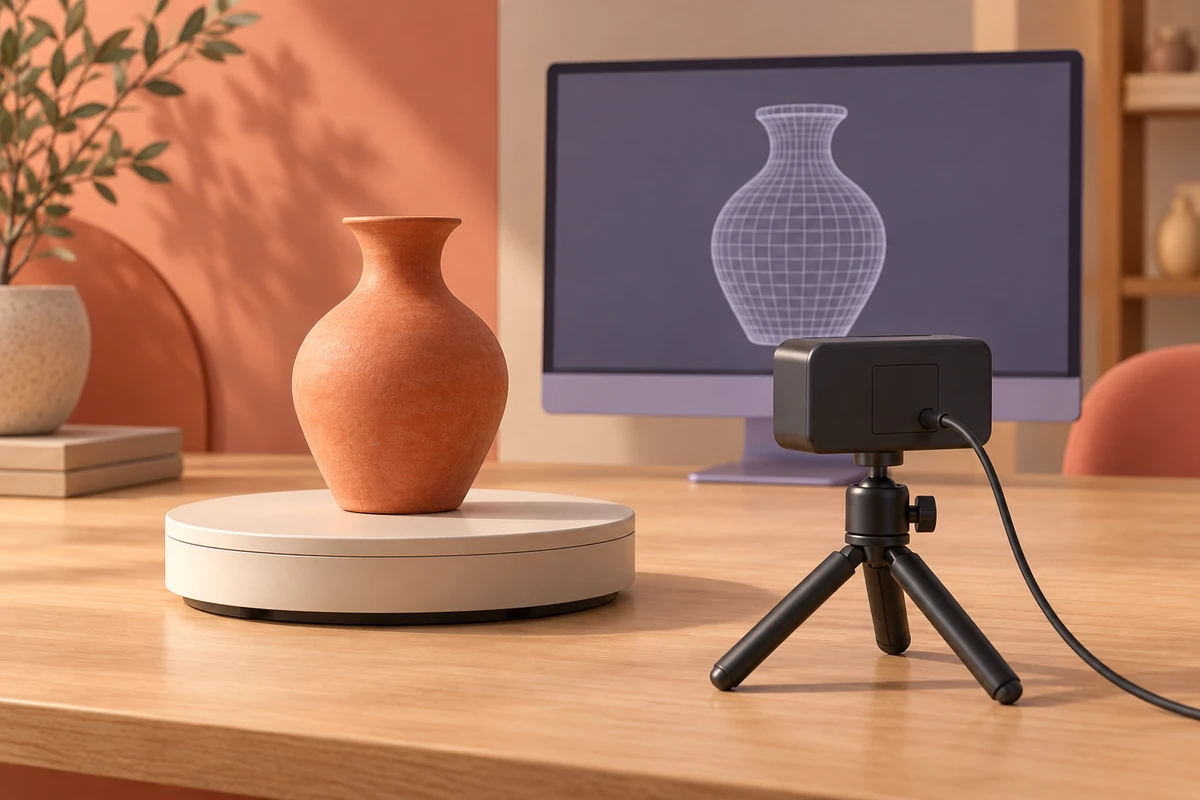
A ToF depth image captures the surfaces visible from one camera pose. Building a 3D model combines observations from multiple viewpoints in a shared coordinate system. RGB-D can add color and appearance features, while reconstruction software handles registration, fusion and mesh generation.
Choose targets and capture geometry
Define the object size, smallest useful feature, required dimensions and intended output. A visual scene model, a printable object and a part-inspection model have different completeness and tolerance requirements. Plan views around the object with overlapping surface coverage.
Account for occluded undersides, narrow recesses, dark surfaces and reflective materials. A model of visible surfaces can be useful even when some geometry remains unknown, provided that the output identifies or deliberately handles those regions.
Acquire calibrated RGB-D frames
Record camera intrinsics, depth units, image dimensions, distortion model and the spatial relationship between streams. Preserve timestamps and calibration identifiers with the sequence. Use a defined rule for invalid depth and filter only within the needs of the reconstruction method.
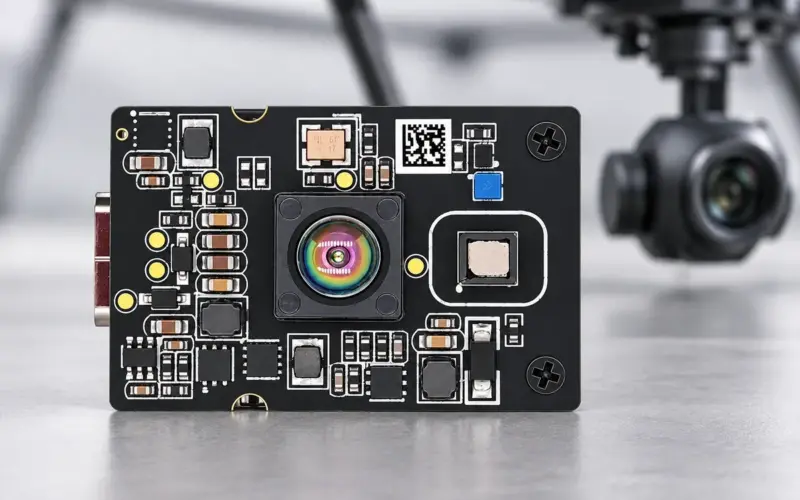
DM-RGBD5003A supplies USB 2.0 RGB-D with 640 × 480 depth up to 25 fps over 0.2–5 m in indoor/semi-outdoor use, including RGB-depth registration support. DM-RGBD5002A is another VGA ToF RGB-D camera route. DM5005A supplies USB depth for geometry capture; adding an external color camera requires a separate calibration and timing design.
Register multiple views and refine poses
Estimate a pose for each frame or local fragment, using geometric correspondences and appearance features where available. Refinement methods such as iterative closest point can align overlapping surfaces when their initial relationship and geometry are suitable. Broad flat or repeated surfaces can leave some motion directions weakly constrained.
Use loop closures or independent references to check accumulated drift. The Open3D reconstruction workflow separates fragment construction, fragment registration, registration refinement and scene integration. A capture application still needs the correct camera data, calibration and processing configuration.
Fuse geometry and produce a mesh
Transform accepted measurements into the shared frame and combine overlapping observations. A volumetric method such as truncated signed distance fusion accumulates surface evidence before extracting a mesh; a point-cloud workflow can use another suitable surface-reconstruction method. Choose integration scale and filtering according to the target features and measured noise.
Inspect seams, duplicated surfaces, edge rounding and holes before treating the result as a finished model. Store the reconstruction settings so a changed acquisition or software version can be compared with the baseline.
Repair, scale and export for printing
For a printable model, remove unrelated background, check the scale and units, repair mesh defects, orient surface normals and inspect whether the intended solid is watertight. Distinguish observed geometry from manually filled or inferred surfaces. Export in a format supported by the downstream workflow, such as STL or 3MF, then inspect the slicer's interpretation.
A depth capture alone does not specify print wall thickness, manufacturable details or material behavior. Compare the intended geometry with the prepared mesh and the requirements of the selected printing process.
Validate dimensions and dynamic-scene assumptions
Compare known distances and shapes across the working volume, including after multi-view alignment. Report dimensional error and repeatability separately from a visually smooth rendering. A parcel bounding box answers a different question from a full surface model; see parcel dimensioning for that measurement rule.
Static reconstruction assumes the observed surface stays in the same shape while the camera moves. Moving people or deforming objects require a method that handles changing geometry, with its own capture and timing tests. Send us the target, working distance, host and required output so we can help select a camera for reconstruction evaluation.
Discuss your evaluation with DOMI.
FAQs
Why does a complete model need multiple views?
Each depth frame observes surfaces along its own view. Overlapping views expose other sides and allow the software to place those measurements in a common coordinate system.
Can RGB-depth registration remove multi-view drift?
It aligns streams within the camera configuration. Multi-view drift concerns the estimated pose between captures and needs separate registration, refinement and validation.
What is required before exporting a scan for 3D printing?
Check scale, units, missing surfaces, normals and mesh integrity, then inspect the model in the intended slicing workflow. Record which geometry was measured and which was repaired or inferred.
How should a reconstruction camera be evaluated?
Test representative surfaces and viewpoints, inspect registration stability and compare model dimensions against references. Evaluate the complete capture and reconstruction configuration rather than image resolution alone.