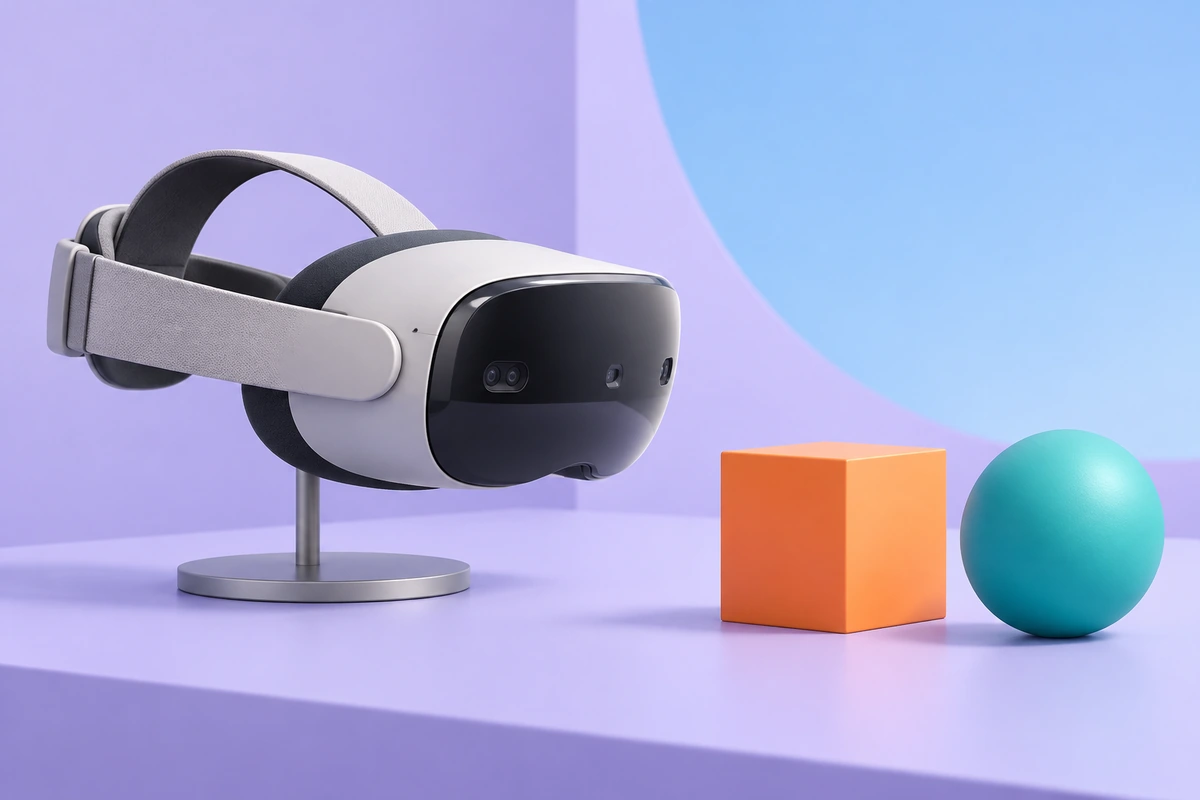
ToF depth can give an AR or VR application measured geometry within the sensor's view. Software can use it for surfaces, spatial interaction and real-virtual occlusion. A useful integration plan defines the depth task separately from device pose, hand tracking and rendering.
Separate scene depth, head pose and hand interaction
Scene depth describes visible geometry relative to a camera. Head or device pose locates an observer in a coordinate frame. Hand interaction estimates features or gestures under a chosen model. Semantic labels and object identity require additional interpretation of the available inputs.
A depth stream can contribute measurements to these systems, while each processing stage has its own calibration, timing and validation. Select the outputs the application needs rather than assuming a depth camera supplies complete six-degree-of-freedom tracking or an interaction library.
Use depth for planes, meshes and occlusion
Transform accepted depth samples into points and fit relevant surfaces, such as a table or floor. Multiple observations can support a scene mesh when registered using the device poses at capture time. Maintain a rule for stale, unknown and moving regions.
For occlusion, compare a virtual surface's depth with the real-scene depth in a common view. Use appropriate validity and boundary handling so noisy edges do not produce unstable cutouts. A physical object partly hiding a virtual object is a rendering result built from these aligned measurements.
Align depth with device pose and RGB
Define intrinsics, depth units and camera-to-device transforms. Associate each depth frame with its capture timestamp and the corresponding pose estimate. If RGB contributes appearance or features, also establish its spatial and temporal relationship with depth.
An old frame transformed using the current pose can create a shifted surface when the device moves. Record clock domains, timestamp meaning and any interpolation used. Revalidate alignment after changing the sensor mount or image processing configuration.
Budget capture, transport and rendering latency
Measure capture, transfer, pose association, depth processing, application updates and rendering. Device frame rate is one input to this budget; it does not specify motion-to-photon delay. Test latency variation as well as average delay during expected host load.
For an illustrative object moving at 0.5 m/s, 80 ms of data age corresponds to 40 mm of motion. This calculation shows why timing matters; it is not a camera or application test result. Decide which errors can be handled through prediction or update rules, and validate the resulting experience.
Fit optics, power and thermal constraints
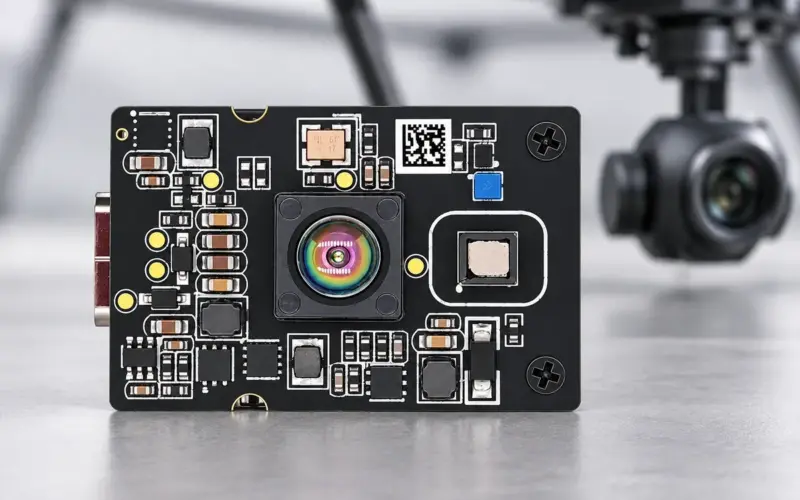
DMOM2508CL provides 320 × 240 MIPI depth over 0.2–2 m at 940 nm. DMOM2808D provides a 0.25–4.5 m, 850 nm MIPI route at 320 × 240. DM5005A offers USB depth for a host-connected prototype. Compare the complete optical, processing and supply arrangement for the intended device volume.
Include emitter power, host processing, data links and cooling in the budget. Select optics and wavelength together with ambient-light tests and the required interaction distance. A module-head dimension or a sensor-only power value does not describe a finished wearable assembly.
Evaluate interaction volume and mixed scenes
Test the nearest hands or objects, the farthest relevant surface, thin edges, textureless walls, dark materials and moving people. Report surface validity, alignment error, occlusion behavior and update delay in the intended interaction volume. Distinguish a static reconstruction task from a scene changing during capture.
Separate hardware depth from ARCore depth
Google's ARCore Depth documentation describes depth from motion with machine-learning processing and use of additional hardware depth where available. Access to an ARCore depth image therefore does not, by itself, identify a physical ToF sensor or expose its raw stream. Camera2 hardware capabilities and application access require a separate device-level check.
See smartphone ToF examples and API checks for that distinction. Share the depth envelope, required streams, pose source and host platform with us to discuss an AR/VR evaluation configuration.
Discuss your evaluation with DOMI.
FAQs
What does depth contribute to AR occlusion?
It provides real-scene distances that rendering software can compare with virtual geometry in the same view. Alignment, timestamps and invalid-boundary handling determine the resulting behavior.
Does a depth camera supply complete head tracking?
A tracking system estimates device or head pose from its selected sensors and algorithms. Depth can be one input, with its relationship to the pose system defined during integration.
Why match depth to the pose at capture time?
The sensor may move between capture and rendering. Using the corresponding capture pose places measured points in the correct shared frame and reduces timing-related surface displacement.
Does an ARCore depth image prove that a phone has ToF hardware?
ARCore can derive depth from motion and use hardware depth when available. Check the specific device's hardware documentation, supported capabilities and API behavior separately.