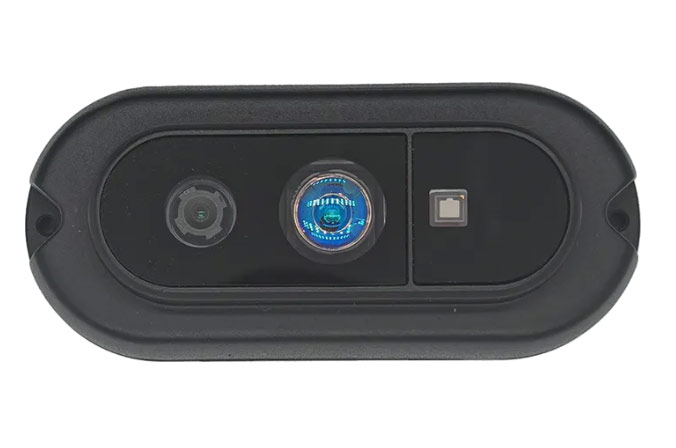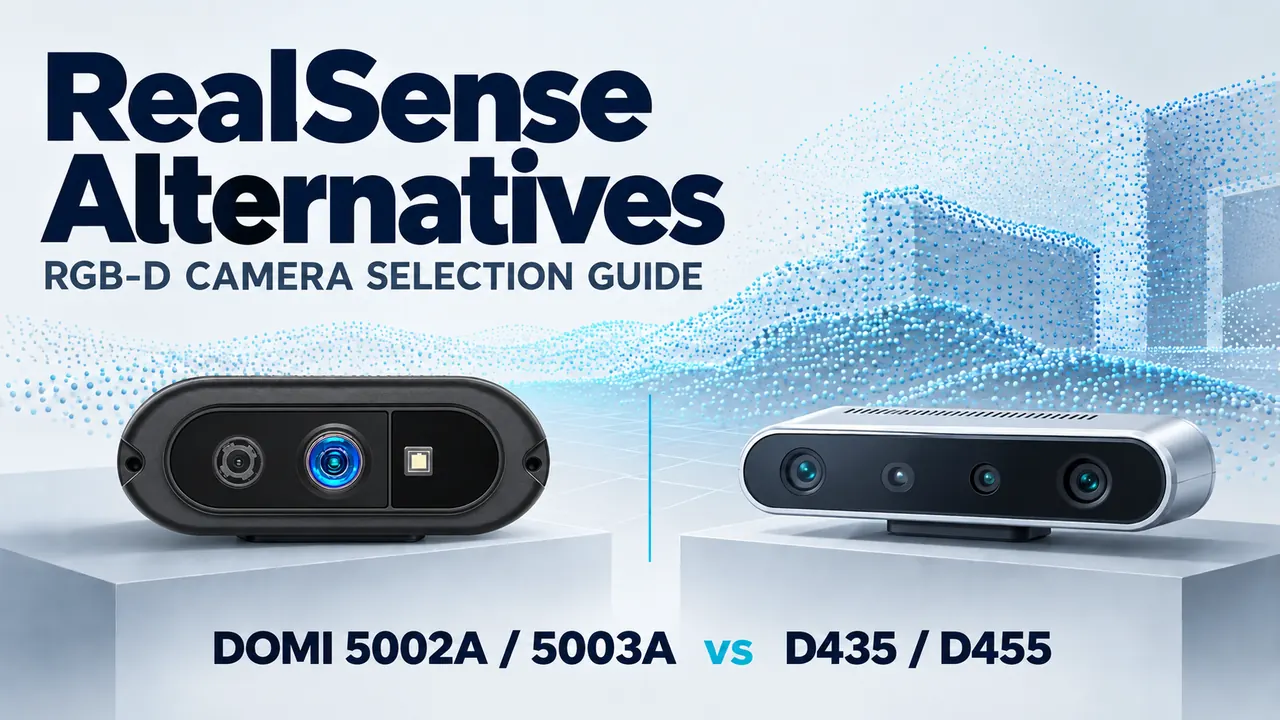
DOMI DM-RGBD5002A and DM-RGBD5003A are candidates for applications that need RGB images and depth data and can accommodate VGA depth at up to 25 fps, a 64° horizontal depth field of view, and a new camera SDK integration. Whether either camera can replace a RealSense D435 or D455 depends on the application’s coverage, motion, accuracy, and software requirements.
A useful comparison starts with the sensing task: what must the system detect, at what distance, and how quickly must it respond? Matching those requirements matters more than finding a camera with a similar product description.
This guide compares published specifications and proposes an evaluation process. It does not report a side-by-side hardware benchmark. Specifications were reviewed on October 5, 2026; confirm the current hardware revision, firmware, and supported stream modes before ordering evaluation units.
Define What You Need to Replace
For a new RGB-D project, you can choose the camera and software together. For an existing RealSense installation, the replacement must also account for dependencies already built into the system.
Before comparing products, record:
- The nearest and farthest working distances and the smallest target to detect.
- The area that must remain visible from the intended mounting position.
- Target speed, camera motion, and acceptable end-to-end latency.
- Lighting, target materials, and exposure to other depth cameras.
- Host operating system, processor architecture, USB connection, and power budget.
- Dependencies on RGB-depth alignment, timestamps, IMU data, and camera-specific software.
Set application acceptance criteria at this stage. A people-counting system, a robot docking system, and a parcel dimensioning system can have very different definitions of acceptable depth data.
Published Specifications: DOMI vs RealSense
| Parameter | DM-RGBD5002A | DM-RGBD5003A | RealSense D435 | RealSense D455 |
|---|---|---|---|---|
| Depth technology | Indirect ToF (iToF) | Indirect ToF (iToF) | Active stereo | Active stereo |
| Published depth output | 640 × 480 at 25 fps | Up to 640 × 480 at 25 fps | Up to 1280 × 720; up to 90 fps | Up to 1280 × 720; up to 90 fps |
| RGB output | 1280 × 960 at 30 fps | 1280 × 960 at 30 fps | 1920 × 1080 at 30 fps | 1280 × 800 at 30 fps |
| Depth FOV, horizontal × vertical | 64° × 51° | 64° × 51° | 87° × 58° | 87° × 58° |
| Published range description | 0.2–5.0 m operating range | 0.2–5.0 m operating range | 0.3–3.0 m ideal range | 0.6–6.0 m ideal range |
| USB interface | USB 2.0, Type-C | USB 2.0 | USB 3.1 Gen 1, Type-C | USB 3.1 Gen 1, Type-C |
Sources: official product pages for DM-RGBD5002A, DM-RGBD5003A, D435, and D455.
Maximum resolution and maximum frame rate are separate published limits; they should not be assumed to operate together. Confirm simultaneous RGB and depth modes for every camera. Field of view can also depend on the selected output mode.
Operating range and ideal range are different specification descriptions. These figures do not establish comparative usable range or accuracy on your targets.
Coverage and motion can decide the selection
The narrower DOMI depth FOV means an existing D435 or D455 installation may need a different mounting distance or position to observe the same area.
Using the published horizontal angles, ideal coverage width at 2 m is approximately 2.50 m for 64° and 3.80 m for 87°. These are geometric calculations using width = 2 × distance × tan(horizontal FOV ÷ 2), assuming a perpendicular target plane. They do not describe edge depth quality or guaranteed detection coverage.
If the application depends on a depth update rate above 25 fps, the published DOMI modes do not meet that requirement. Test motion and latency separately: frame rate alone does not measure how quickly usable data reaches a control loop.
Compare Accuracy Under Defined Conditions
The current DM-RGBD5002A specification lists depth accuracy below ±2% at 1–3 m, using an 85% reflectivity white target at 25°C in the central 10 × 10 pixels. The DM-RGBD5003A page lists ±2% in the central 10 × 10 pixels, without the same distance and target conditions.
RealSense publishes depth accuracy below 2% at 2 m for D435 and below 2% at 4 m for D455. Consult the applicable datasheets for the complete measurement conditions.
These statements do not establish equal accuracy. For perspective, a 2% relative error corresponds to 20 mm at 1 m and 60 mm at 3 m. A depth map expressed in millimetres does not, by itself, demonstrate millimetre measurement accuracy.
For selection, compare absolute error and repeatability at the actual working distances, across the required image area and target materials. For dimensioning, validate the final length, width, and height estimates as well as the raw depth measurements.
Different Depth Technologies Need Different Checks
The DOMI cameras use iToF, while D435 and D455 use stereo depth. RealSense explains that its D400 cameras determine depth from corresponding features in left and right images; an infrared projector adds texture to assist matching on low-texture surfaces. RealSense’s explanation of active stereo
This distinction gives you a reason to compare their behavior on your scene. It does not establish that one technology will produce better results everywhere.
Include dark objects, glossy packaging, object edges, and concave surfaces in the evaluation. Multipath reflections and ambient illumination are recognized influences on ToF measurements, although the effect on a particular camera depends on its design and settings. Basler’s documentation on ToF influencing factors
For outdoor or mixed-light installations, test the required combination of distance, material, and lighting. A wavelength or ambient-light headline alone cannot establish usable depth quality.
Where DOMI Cameras Are Worth Evaluating
The following are application-based selection paths, rather than measured performance results.
| Application | When to evaluate 5002A / 5003A | What to validate first |
|---|---|---|
| Indoor people sensing and interactive terminals | Required coverage and target motion fit the published depth modes | Occlusion, clothing reflectivity, edge coverage, and latency |
| Robot docking and local perception | The target remains inside the depth FOV and 25 fps meets the system’s update requirement | Small or dark targets, alignment error, and motion behavior |
| Parcel dimensioning | Target size and permitted measurement error are compatible with the depth data | Reflective wrapping, edges, repeatability, and final dimensional error |
| Existing D435 installation | The system can accommodate changes in FOV, stream modes, and camera software | Coverage, target detail, timestamps, and algorithm thresholds |
| Existing D455 installation | The required range and motion functions can be reproduced in the revised system | Long-distance error, inertial-data dependencies, RGB motion, and synchronization |
Keep D435 or D455 in the comparison when wider coverage or higher depth frame rates are hard requirements. D455 also includes an IMU and a global-shutter RGB sensor, which may be significant in moving systems. The two DOMI pages do not establish equivalent IMU or RGB shutter specifications.
Choosing Between DM-RGBD5002A and DM-RGBD5003A
Both DOMI models publish the same core depth resolution, depth FOV, RGB resolution, and operating range. Those specifications alone do not establish a clear application split between them. DM-RGBD5002A, DM-RGBD5003A
Choose the specific configuration against the project requirements. Request the current datasheet, mechanical drawing, supported stream combinations, SDK package, and quotation for each candidate. Confirm:
- Connector, mounting, housing, and thermal configuration.
- Depth and RGB synchronization behavior, including timestamps and paired frame rates.
- Alignment outputs, calibration access, and coordinate conventions.
- SDK support for the exact host, operating system, and ROS distribution.
- Availability, revision control, support terms, and evaluation-unit delivery.
Include integration effort in the cost comparison. A lower camera quotation can be offset by software changes, mounting work, calibration, or additional sensors.
Validate the Replacement on Your Actual Task
Use the current camera as a baseline, and evaluate the candidate in the proposed production configuration.
- Define pass criteria. Set limits for measurement error, coverage, latency, invalid depth, and application failures.
- Record configurations. Include hardware revision, firmware, SDK, stream modes, exposure, filtering, warm-up, and mounting geometry.
- Test representative distances and materials. Cover the nearest, typical, and farthest targets, with the materials present on site.
- Measure data quality and system behavior. Record absolute error, repeatability, valid-depth percentage, edge quality, RGB-depth alignment, latency, and dropped frames.
- Repeat under operational conditions. Include moving targets, changing light, continuous operation, and multiple active cameras when relevant.
Use the same reference distances and overlapping evaluation regions for direct measurement comparisons. Also test each complete configuration against the full coverage requirement. This keeps a central-region accuracy result from hiding a coverage failure.
Retain depth images, point clouds, settings, and failure examples. They make the final selection easier to review and help explain which conditions the replacement has actually passed.
FAQs
Can DM-RGBD5002A or DM-RGBD5003A replace a RealSense D435?
Either can enter the evaluation shortlist when its published depth modes and coverage fit the task. Confirm measured performance and software migration before approving the replacement.
Can either camera replace a RealSense D455?
Evaluate the application requirements individually, particularly range, motion, and any dependence on inertial data or RGB shutter behavior. Matching RGB-D output alone is insufficient.
Will my existing RealSense application work unchanged?
Shared language or ROS support does not demonstrate API compatibility. Verify the acquisition, calibration, alignment, and timing interfaces against the delivered SDK.
Which DOMI model should I choose?
Compare the available hardware configuration, SDK deliverables, and application results. The shared headline specifications do not provide enough information to choose a universal winner.
Request an Application Evaluation
Review the DM-RGBD5002A and DM-RGBD5003A product specifications, then contact DOMI with your existing camera model, working distances, required coverage, target materials, host platform, and acceptance criteria.